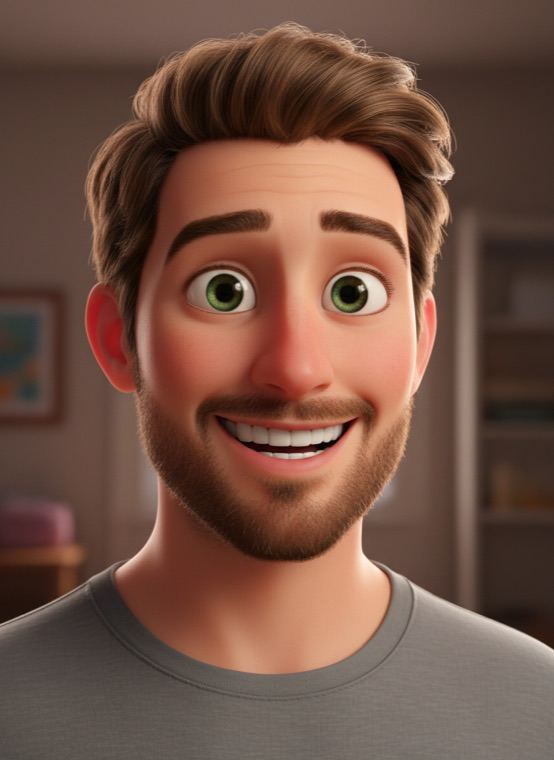
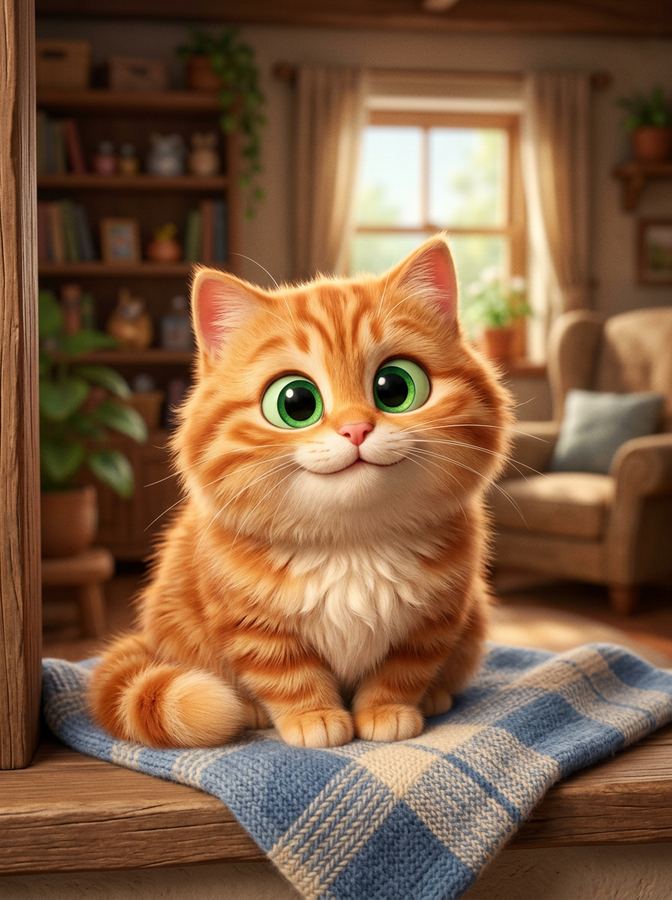
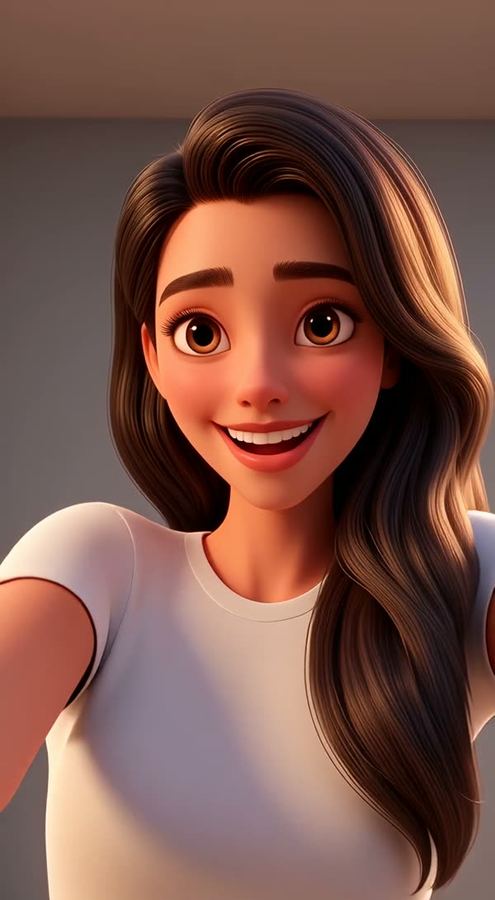
The idea works beyond selfies. In the Pets tab you can turn a cat or dog into a 3D animated character, and the video editor’s 3D Movie effect restyles a clip you filmed so you move like an animated character.
How to make a 3D cartoon of yourself
- Open Trendio and choose the 3D character look on the Trends tab.
- Add a clear photo of your face.
- Save your character or share it as a new profile picture.
Tips for a cute, recognisable character
- Smile in the original photo; the character keeps your expression.
- Front-facing photos with your whole face visible give the best likeness.
- Distinctive details such as curly hair, glasses or a beard tend to carry over, so leave them visible.
More animated looks
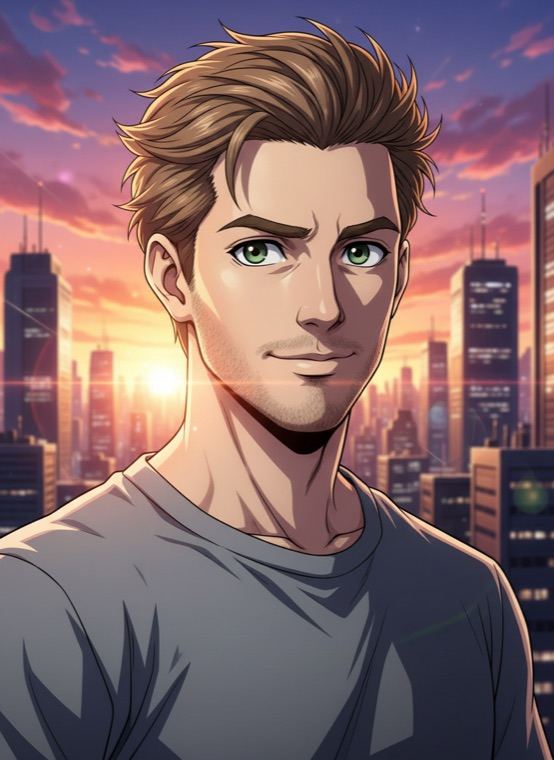
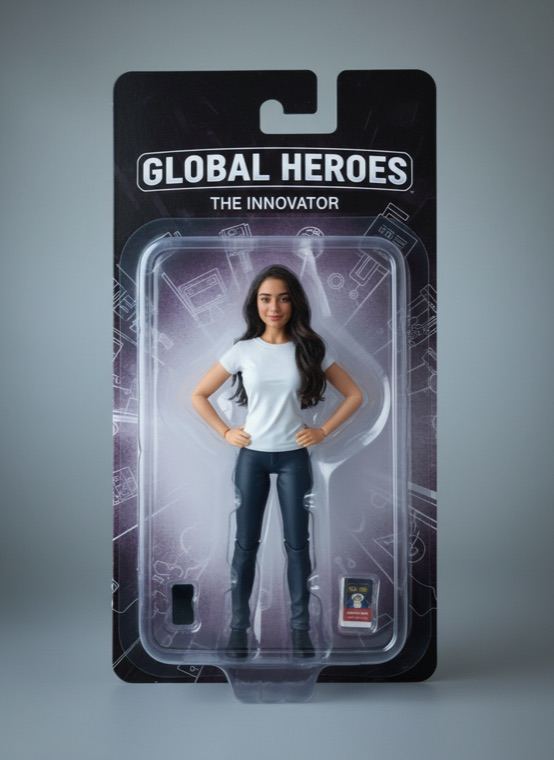
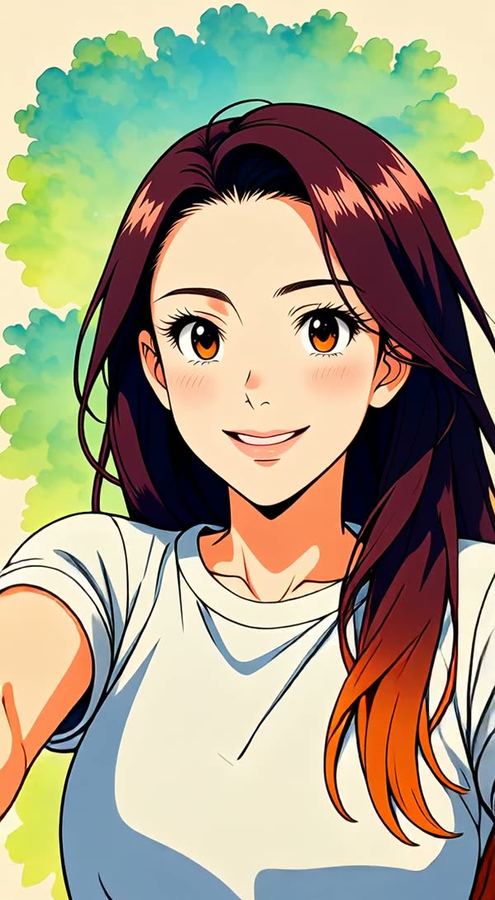
Clay Mini makes a handmade stop-motion version of you, Anime Hero draws you as the lead of an anime series, and Action Figure puts you in a toy box. In the Pets tab, your cat or dog can also become a superhero, an astronaut or a royal portrait.
Questions and answers
What does the 3D character cost?
The app is free to download and each character uses 1 credit. Credits are sold in one-time packs or included in a weekly or monthly subscription, with a discounted first week for new subscribers.
Can I make a 3D character of my pet?
Yes. Pick the 3D character style in the Pets tab and add a photo of your cat or dog.
Will it look like me?
The look keeps your recognisable features, hairstyle and outfit colours, but it is a cartoon, and results are made by AI and vary. Try a different photo if the first one misses.
Can I turn a video into 3D animation?
Yes. The 3D Movie effect in the video editor restyles a short clip you filmed. It is priced by clip length, and the cost is shown before you confirm.