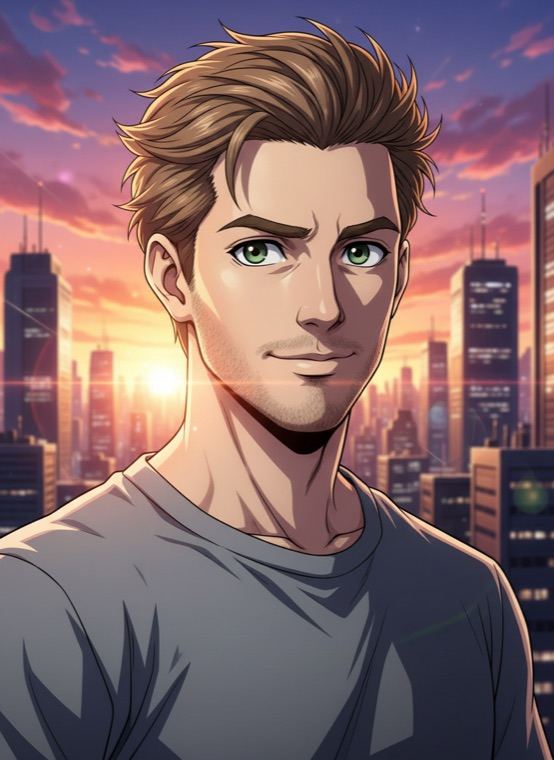
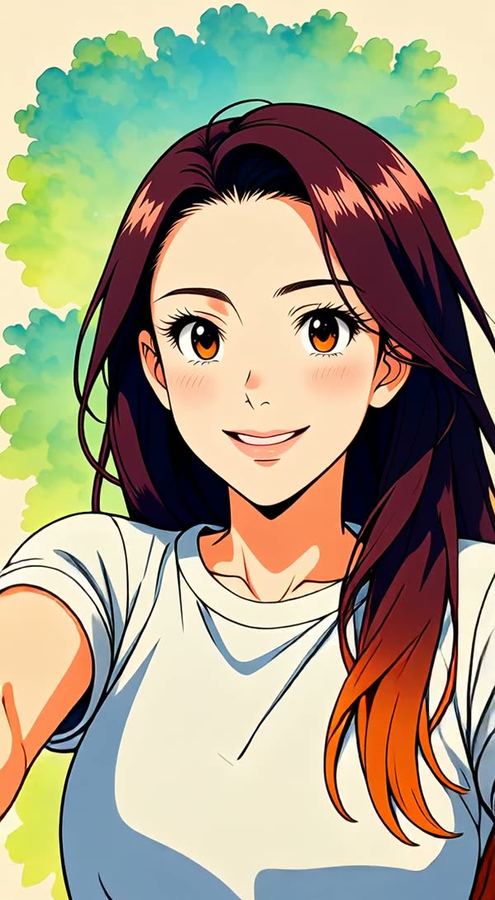
Anime works for video, too. In the video editor, the Anime effect redraws a short clip you filmed frame by frame, so you move as an anime character while your motion stays in sync.
How to turn a photo into anime
- Open Trendio and tap Anime Hero on the Trends tab.
- Add a selfie or any clear photo of yourself.
- Save your anime portrait or share it.
Tips for a striking anime portrait
- Strong, simple features read well in anime, so a clear, well-lit face matters more than the background.
- Hair is a big part of an anime look; make sure yours is visible and not cut off by the frame.
- Try photos with different expressions; the drawing follows your mood.
More illustrated looks
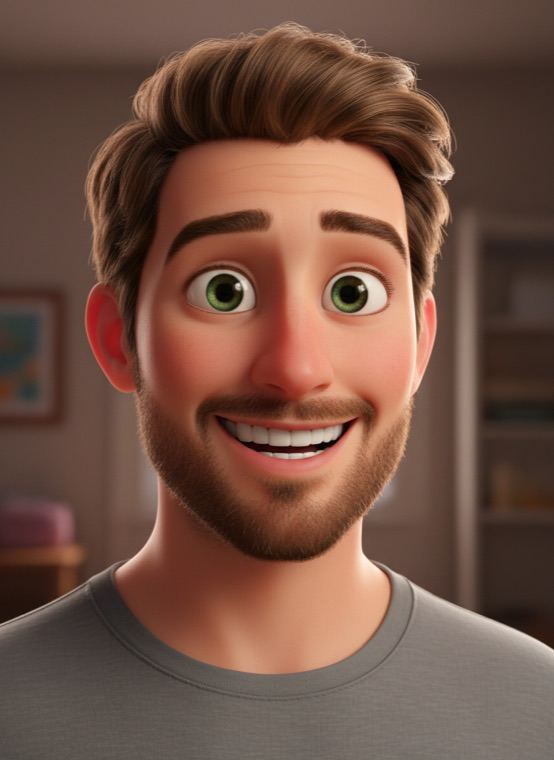
The 3D animated character look turns you into an animated-film star, Clay Mini makes a stop-motion version of you, and Comic Book and Oil Painting are available for your videos. Pet owners can make their cat or dog an Anime Hero, too.
Questions and answers
How much does an anime photo cost?
Trendio is free to download, and every anime photo uses 1 credit. Buy a credit pack or subscribe weekly or monthly; the first week is discounted for new subscribers.
Can I choose a specific anime style?
The look uses one consistent anime style made for this trend; there is no setting for a particular studio or series.
Can I turn a video into anime?
Yes. Use the Anime effect under Edit your video in the Video tab. Video edits are priced by clip length, and you see the cost before you confirm.
Does it work on group photos?
The look is made for one person. In a group photo, crop to the person you want drawn first.