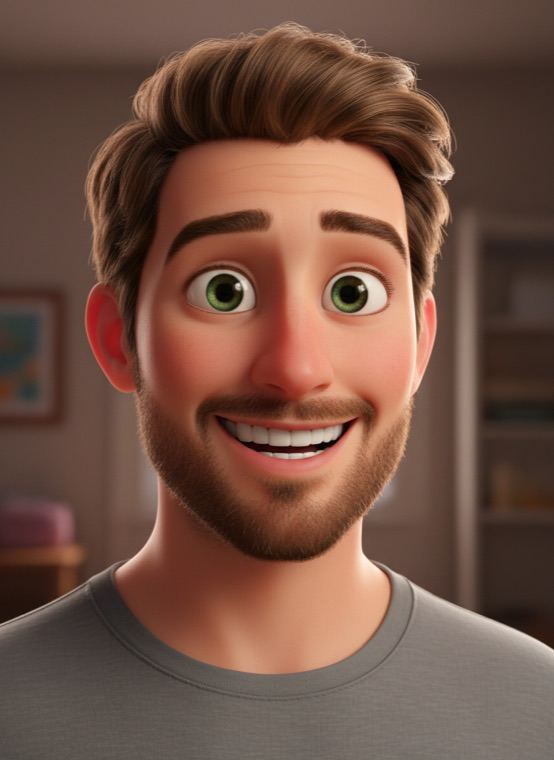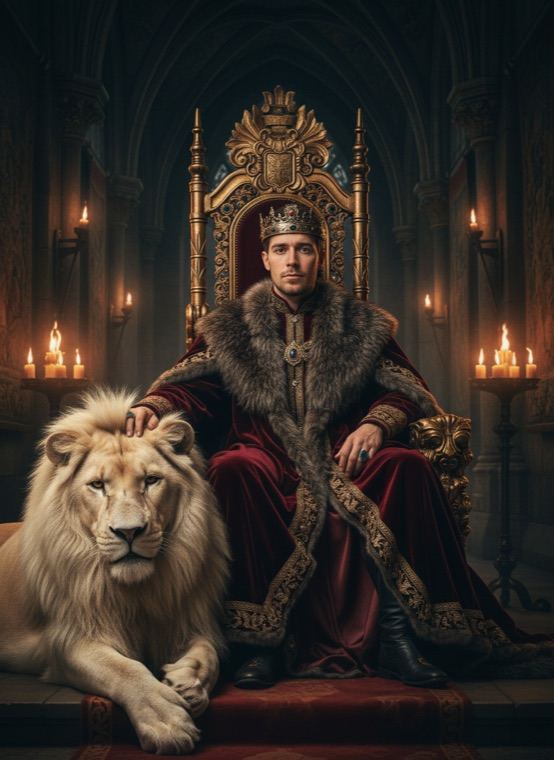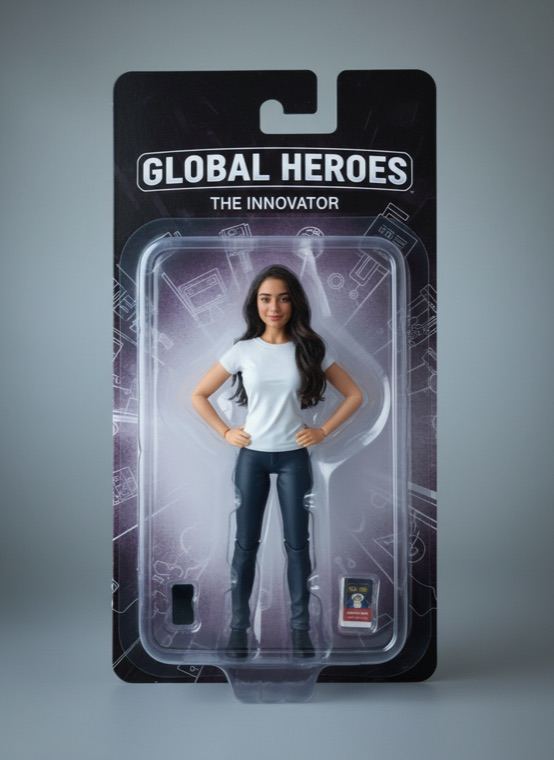

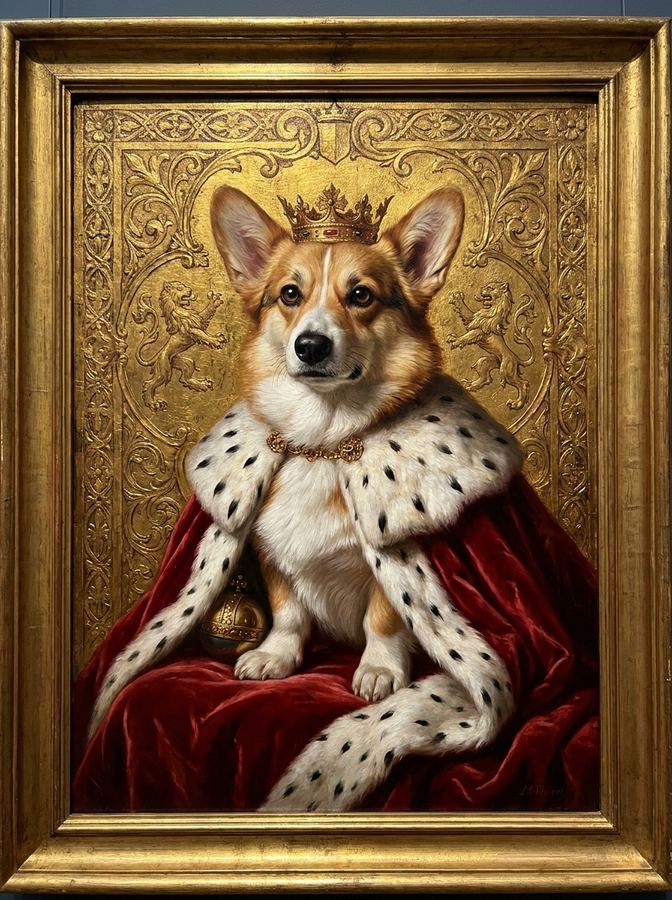
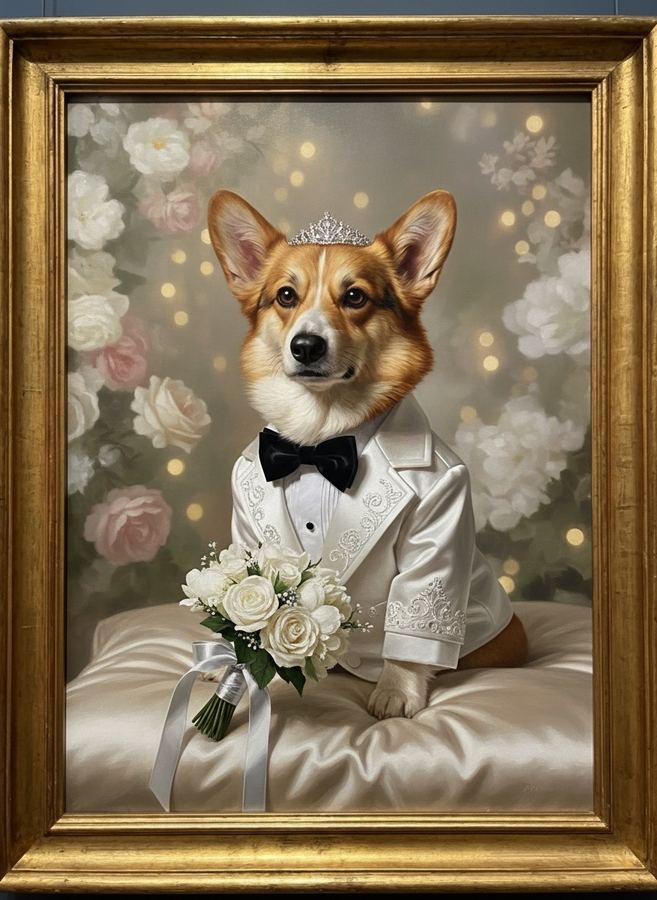
The Pets tab has more: Wedding Day, Royal Portrait, a 3D animated character, Superhero, 90s Yearbook, Astronaut, Master Chef, Anime Hero, 80s Neon, Cyberpunk and Pirate Captain.
How to turn your pet into a human
- Open the Pets tab in Trendio and choose As a Human or another style.
- Add a photo of your cat or dog.
- Save the portrait or share it with your pet’s fans.
Tips for a great pet photo
- Use a photo where your pet’s face is sharp and well lit, ideally looking at the camera.
- One animal per photo works best.
- Get down to their eye level; side views and photos from far away give the AI less to work with.
You as an animal
Want to switch roles? The reverse styles show you as an animal: a loyal dog, an elegant cat, a lion, a tiger, a clever fox, a mysterious wolf, a cute bunny or a big, huggable bear.
Questions and answers
Does it work with any pet?
The styles are made for cats and dogs, so those give the most reliable results.
How much does it cost?
Trendio is free to download; each portrait uses 1 credit. You can buy a credit pack or subscribe weekly or monthly, and new subscribers get a discounted first week.
Will the person look like my pet?
The AI takes cues from your pet’s fur colour, eye colour and overall vibe, so the portrait should feel familiar. It is an imaginative picture, though, and results vary.
What is the persona card?
Pet results come with a playful persona card: a made-up name, job and personality for your pet’s human side. Tap Shuffle for a new one; it is just for fun.