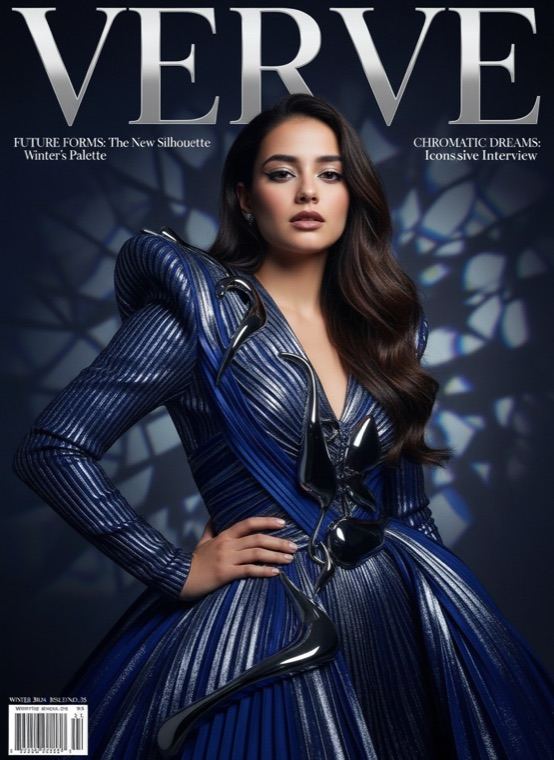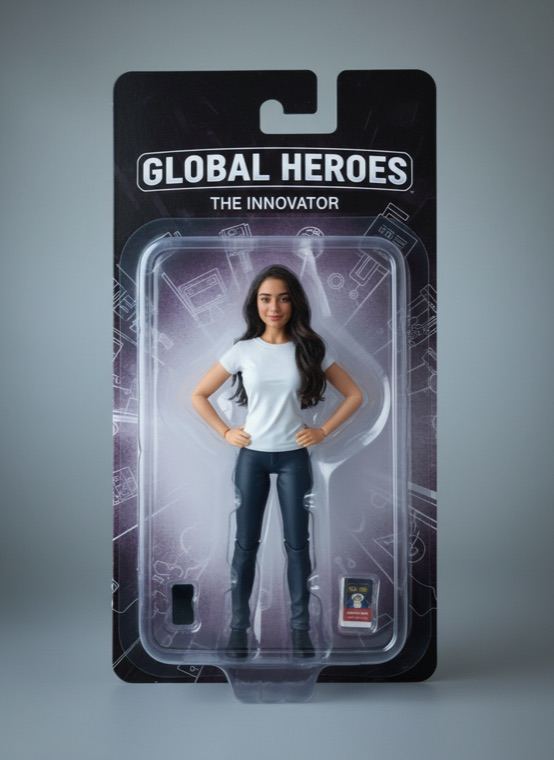
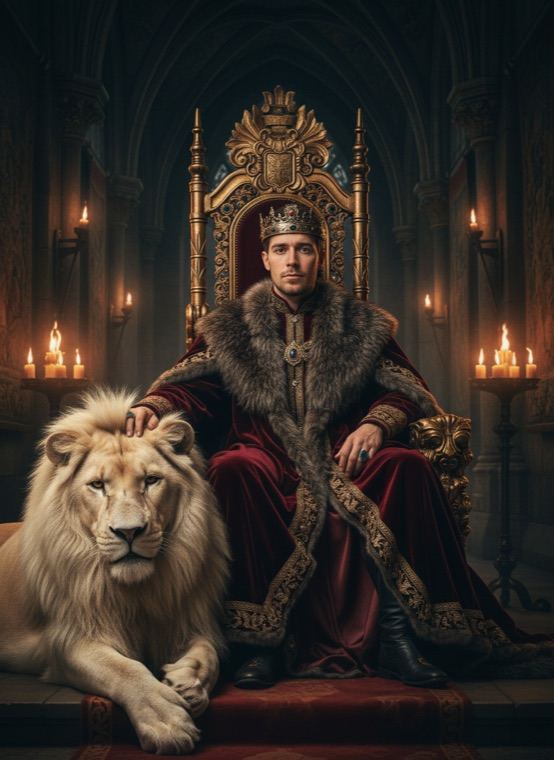
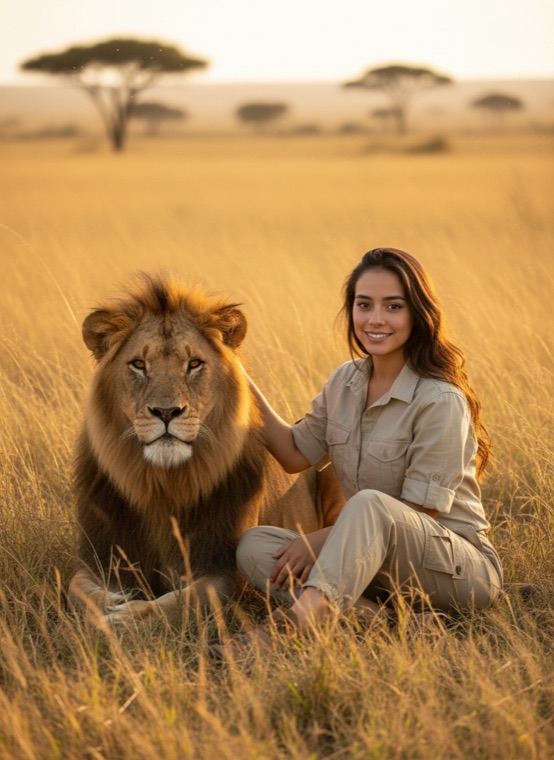
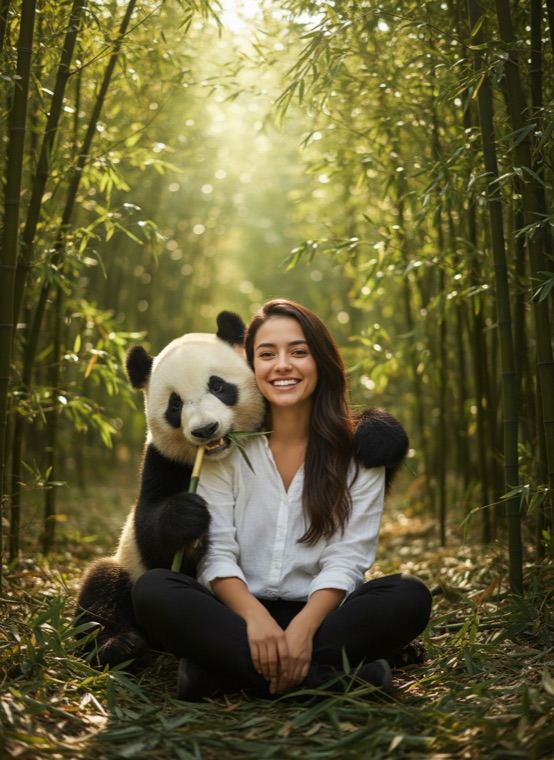
There are six scenes. Lion Throne puts you on a royal throne with a white lion at your feet, Lion Bestie sits you in savanna grass at golden hour, Tiger Walk has you side by side in the jungle, Panda Hug is set in a bamboo forest, Snow Wolf brings a white wolf to a snowy forest, and Whale Shark Dive has you swimming with a gentle giant.
How to make a photo with a lion
- On the Trends tab in Trendio, scroll to the With Animals row.
- Pick a scene, such as Lion Throne or Panda Hug, and add your photo.
- Save the result or share it.
Tips for a believable scene
- A full-body or waist-up photo blends into the scene better than a tight selfie.
- Choose a photo with soft, even light; the scene relights you, but harsh shadows can look out of place.
- Use a photo where you are alone in the frame, so the AI knows who to place next to the animal.
Dream places, too
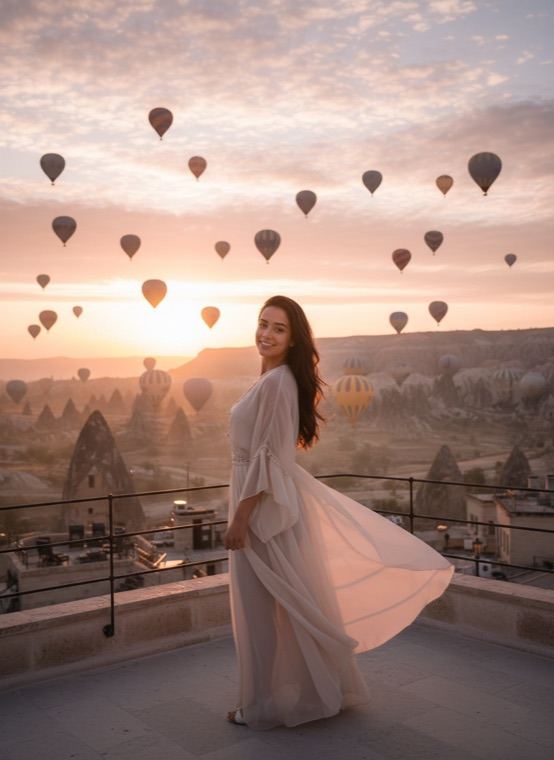
If travel is more your thing, the Dream Places row puts you in Cappadocia, Tokyo, Santorini, Paris or under the northern lights, and Colossus turns you into a giant statue in a city square.
Questions and answers
Are the animals real?
No. Every animal is generated by AI, so no animal was photographed or disturbed.
How much does it cost?
Trendio is free to download; each scene uses 1 credit. Credits come in packs or with a weekly or monthly subscription, and new subscribers pay less for the first week.
Can I add my own pet to the scene?
Not in these scenes; each one comes with its own animal. Your pet can star in the Pets tab instead, as a person or in a portrait.
Will it look like me?
The scenes are designed to keep your face recognisable, but results are made by AI and can vary. A clear, front-facing photo gives the best likeness.