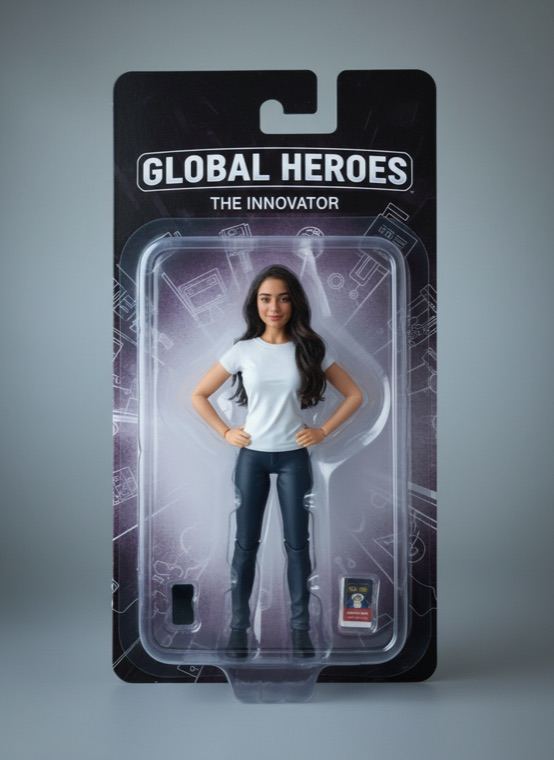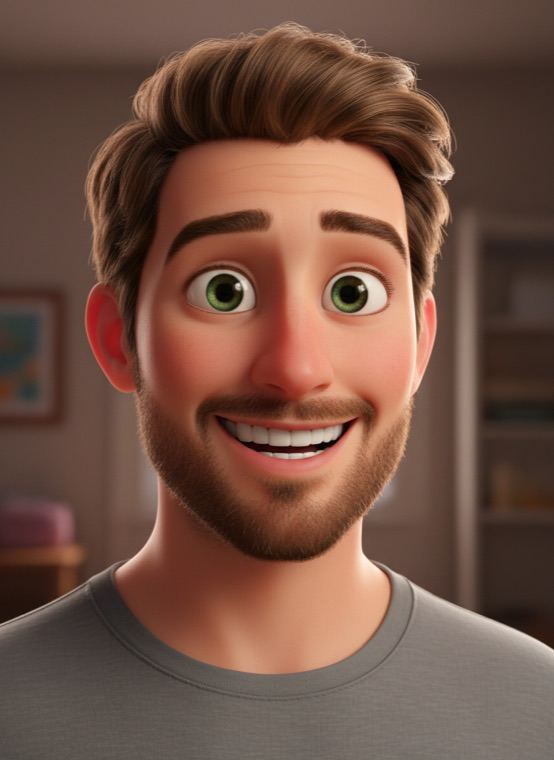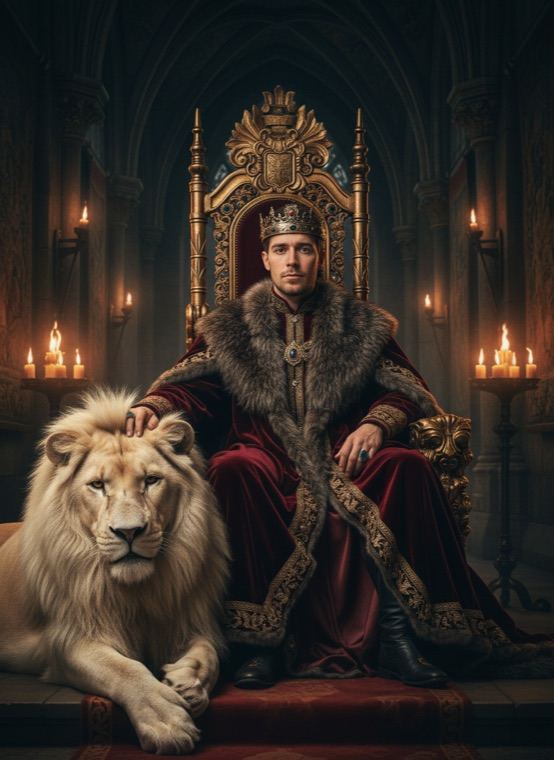
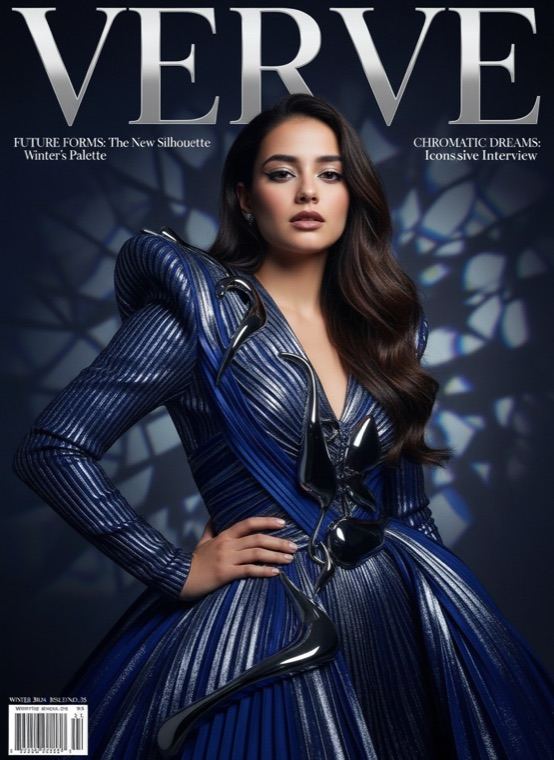
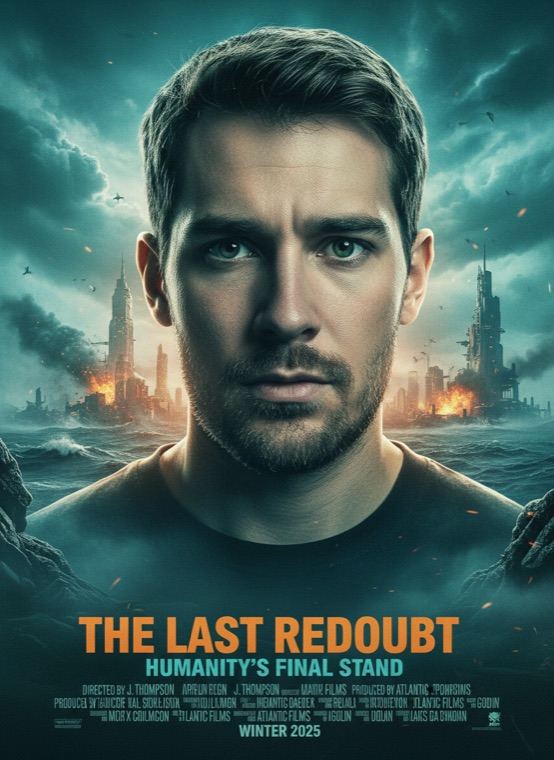
The cover is designed to use an invented magazine name rather than a real one, and the film title on the poster is made up by the AI as well, so no real brand or logo ends up on your picture.
How to make a magazine cover or movie poster of yourself
- On the Trends tab in Trendio, choose Magazine Cover or Movie Poster.
- Add a photo where your face is clear and well lit.
- Save the result or post it as your new profile picture.
Tips for a cover-worthy result
- Confident beats cute: a direct look at the camera suits both looks.
- For the cover, a waist-up photo gives the styling room to show; for the poster, a head-and-shoulders shot is enough.
- The text on the image is generated, so check it before sharing and run it again if a word comes out odd.
More star treatment
Old Money gives you a quiet-luxury portrait, 1920s Gatsby places you in an art-deco ballroom, Superhero suits you up above a city, and Cyberpunk Rain puts you on a neon street at night.
Questions and answers
Can I choose the magazine name or movie title?
No. The AI writes its own masthead, cover lines and film title for each result, so every cover and poster is different.
Is it free to make a cover?
Trendio is free to download, but each cover or poster uses 1 credit. Credits come from one-time packs or a weekly or monthly subscription; new subscribers get a discounted first week.
Why do some words look strange?
Text inside an AI image is generated together with the picture, so letters can occasionally come out wrong. Run it again if that happens.
Will it look like me?
Both looks are designed to keep your facial identity, but results are made by AI and vary. A sharp, front-facing photo gives the best likeness.