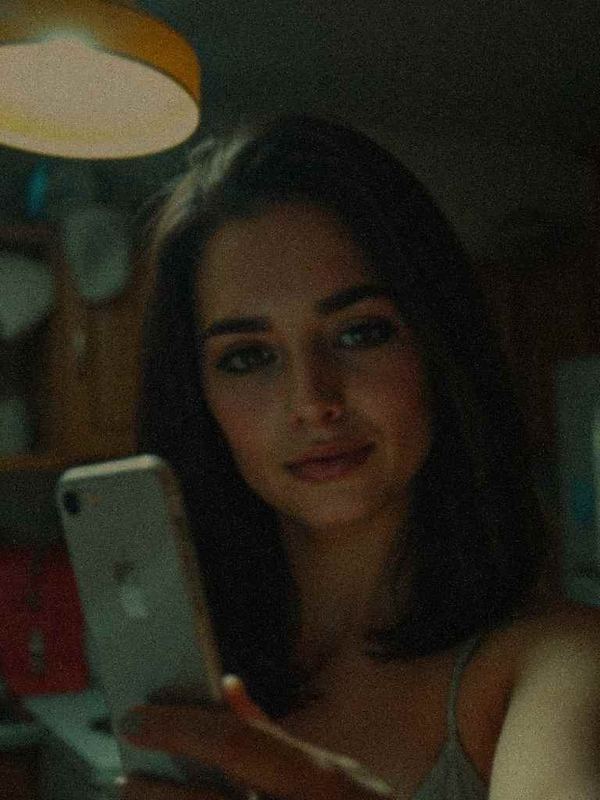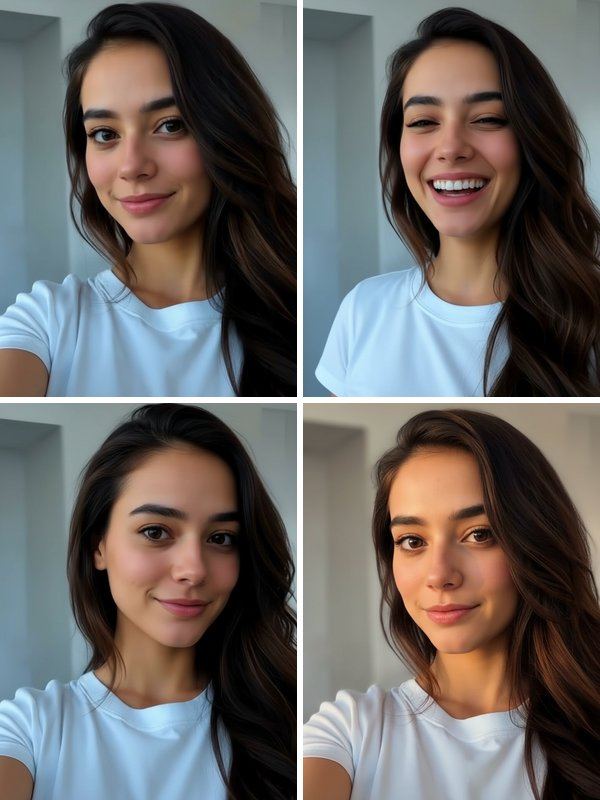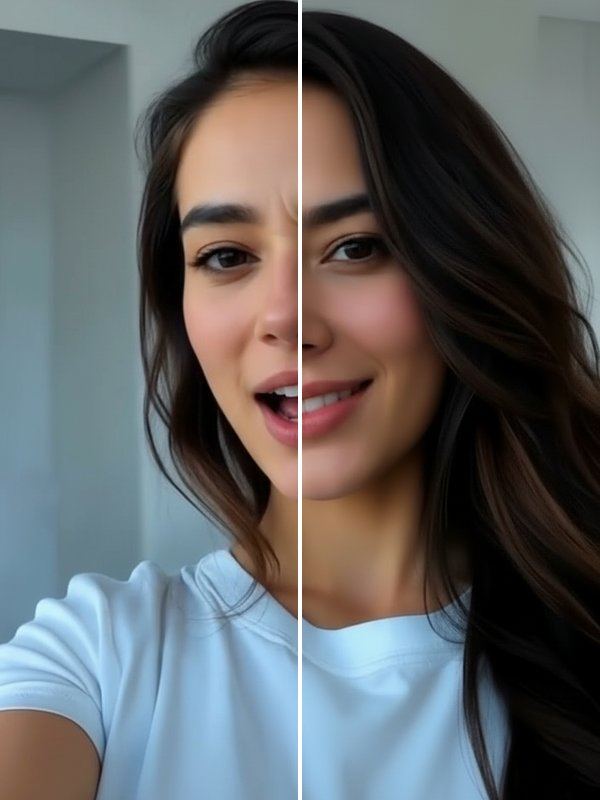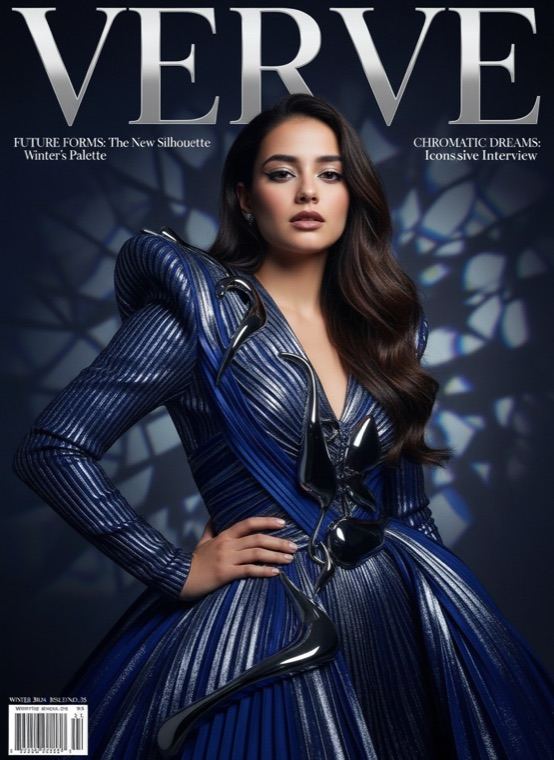
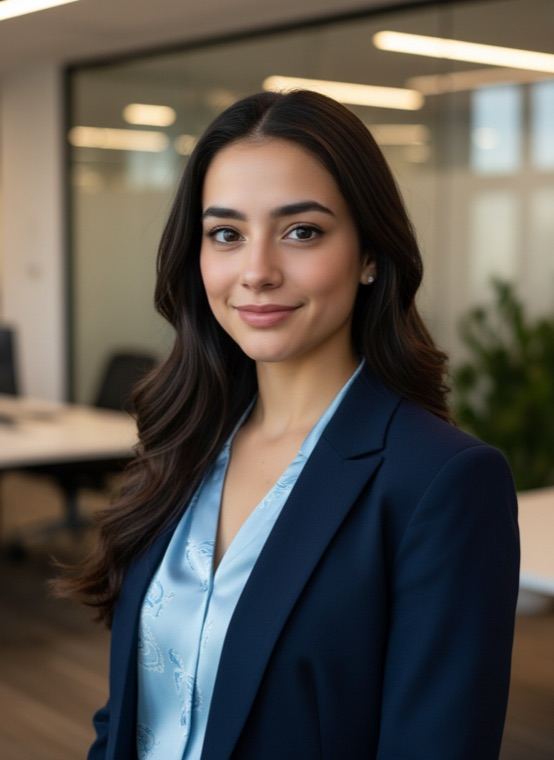
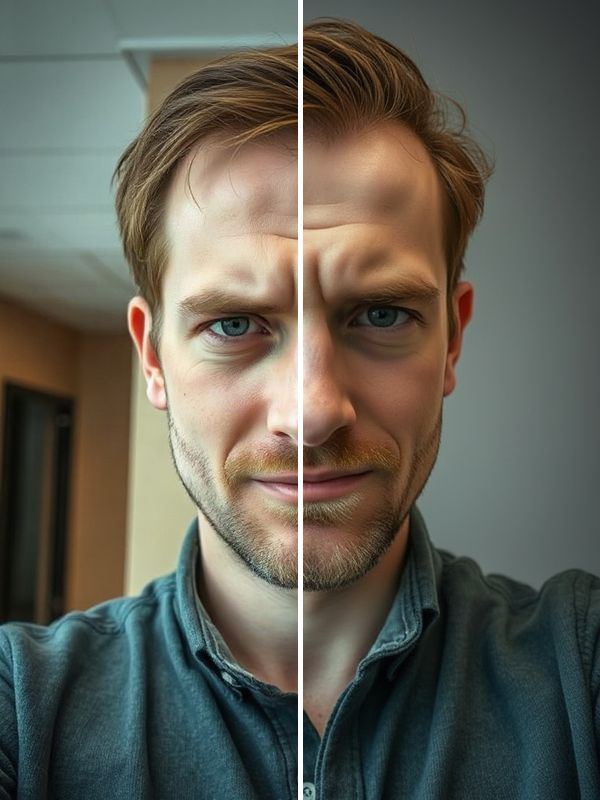
It is built to keep your facial identity, skin tone and age as they are, with natural skin texture instead of a plastic retouch. If you would rather keep your own photo, the Studio Shot tool relights it with clean, professional portrait light.
How to create an AI headshot
- Open Trendio and choose Pro Headshot on the Trends tab.
- Add a photo where your face is clear; a selfie is fine.
- Save the result and upload it to your CV or profile.
Tips for a professional result
- Face the camera with a relaxed, natural expression, as you would for a real portrait.
- Daylight from a window gives the AI the most detail to work with; avoid strong shadows across your face.
- Leave hats and sunglasses off, and use a photo without beauty filters so the result still looks like you in person.
Other ways to polish a portrait
Studio Shot and Golden Glow improve the light in a photo you already like, HD Fix sharpens a blurry or dark one, and Reshoot gives you four new takes of the same photo. For something less formal, Old Money creates a quiet-luxury portrait.
Questions and answers
Can I use the headshot for a passport or ID card?
No. Pictures made by AI are not suitable for passports, ID cards or other official documents, which need an unedited photo that meets their rules. Use the headshot for your CV, job sites and social profiles.
Is it free?
The app is free to download. A headshot uses 1 credit, which you can get from a credit pack or a weekly or monthly subscription; new subscribers pay a reduced price for the first week.
Will it change my face?
It is designed not to: the look keeps your features, skin tone and age. Results are made by AI and can vary, so check that the portrait still looks like you before you use it.
Can I choose the outfit or background?
Not separately. The look always uses business-casual clothing and an office background; run it again for a different variation.