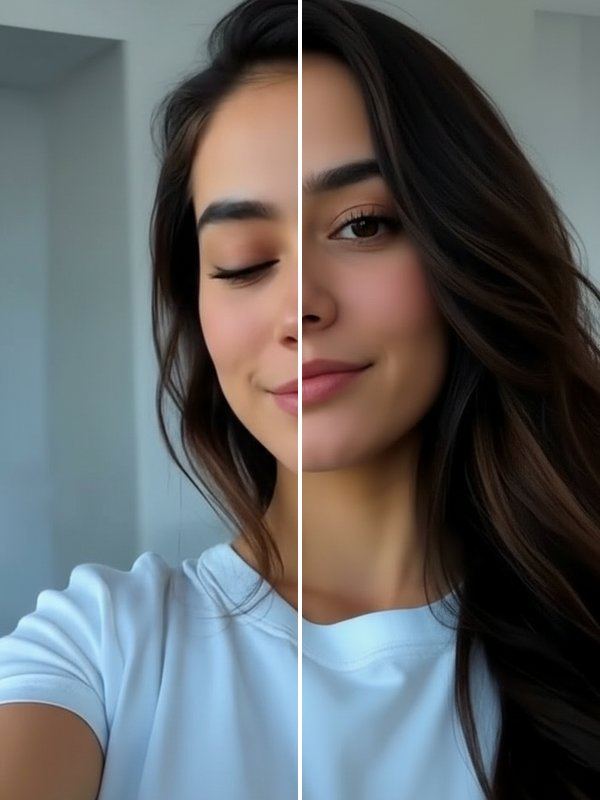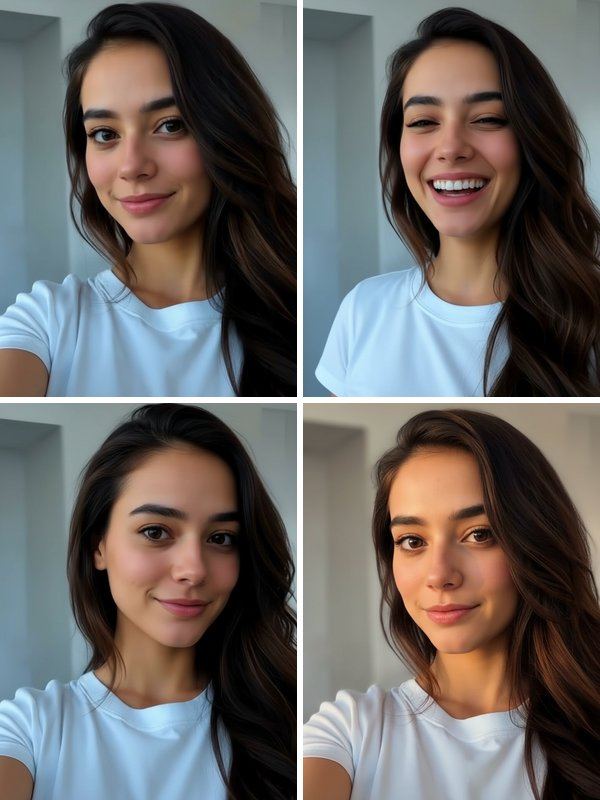
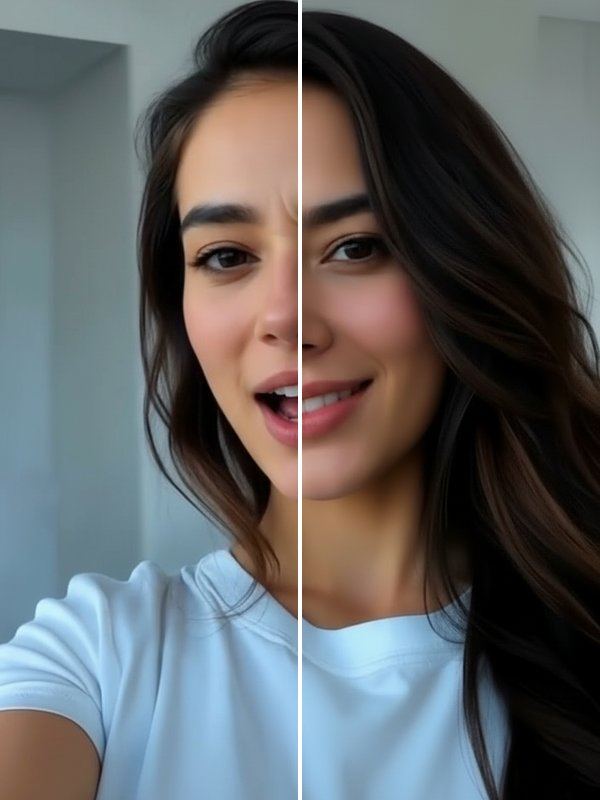
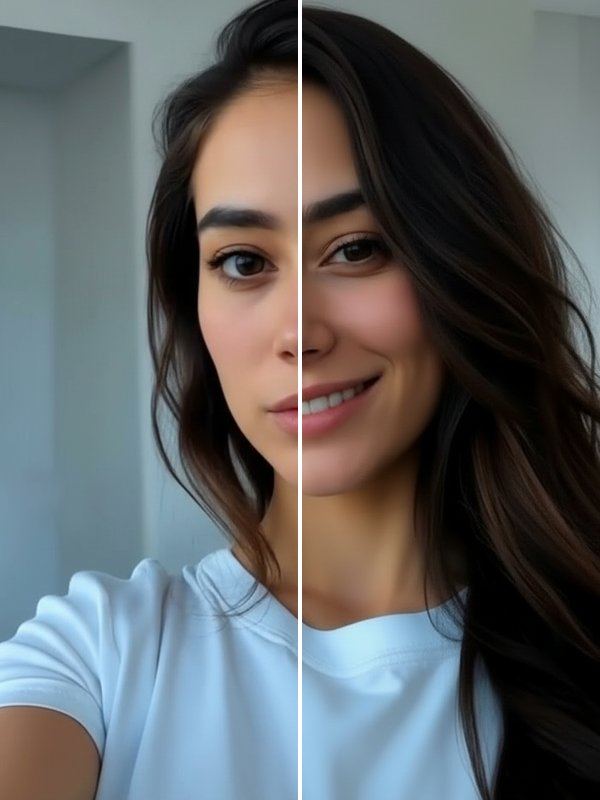
Neither tool reshapes your face. Your features, hair, outfit and background stay as they are; only the expression changes, so the photo still feels like the moment it came from.
How to fix an expression in a photo
- Open the Photogenic row on the Trends tab and choose Natural Smile or Fix My Face.
- Add the photo you want to fix.
- Drag the slider to compare, then save or share the new version.
Which tool to use
- Use Natural Smile when the expression is fine but the smile is stiff, too small or missing.
- Use Fix My Face when you were caught mid-word, mid-blink or in an unflattering moment.
- A sharp photo with your face clearly visible gives the most natural result.
Other Photogenic tools
Open Eyes fixes a blink, Reshoot creates four new takes of the whole photo, and HD Fix, Golden Glow and Studio Shot improve sharpness and light.
Questions and answers
Will it make me look different?
Only your expression is meant to change; there is no face reshaping. Results are made by AI and can vary, so compare the before and after and keep the version that looks like you.
How much does a fix cost?
Downloading Trendio is free. Each fix uses 1 credit, available in one-time packs or with a weekly or monthly subscription; the first week is cheaper for new subscribers.
Can I choose how big the smile is?
Not at the moment. The tools pick a natural expression for you; if you want a different one, run the tool again or try Reshoot.
Can I report a bad result?
Yes. Every result has a report option on the result screen; reported results are hidden and reviewed.