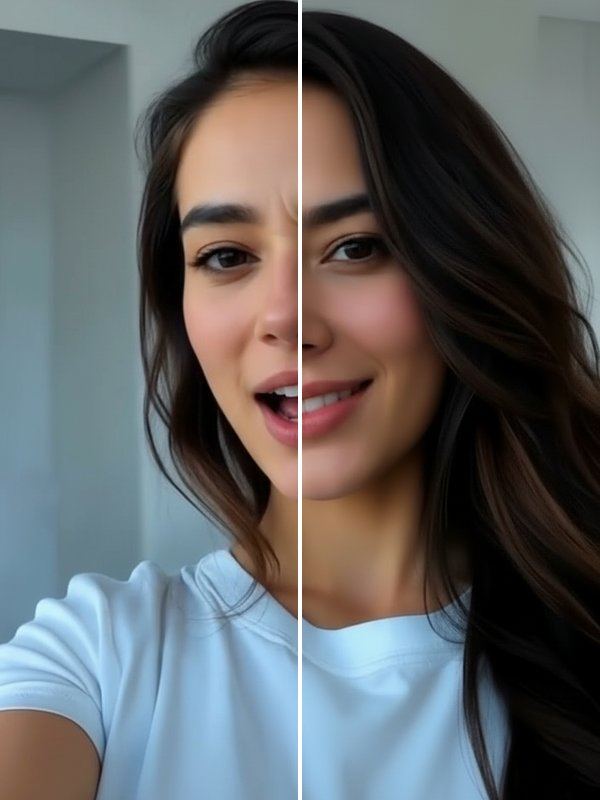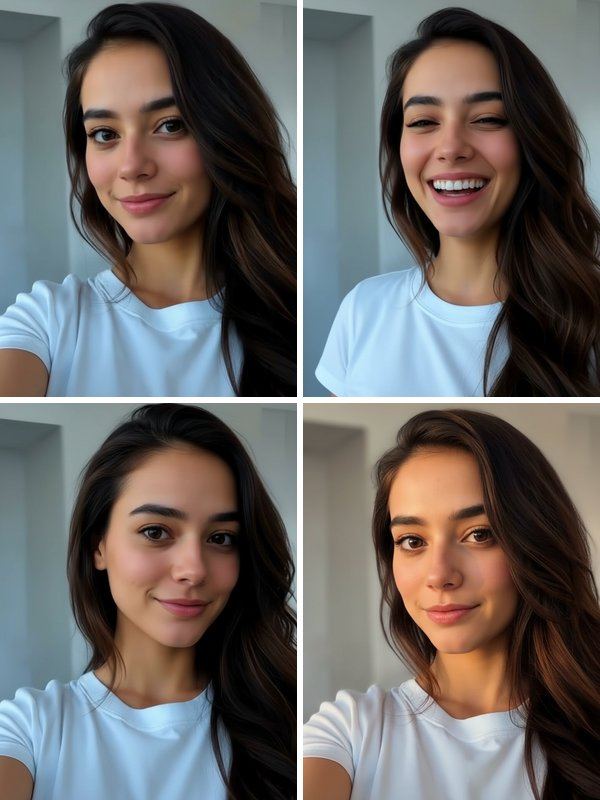
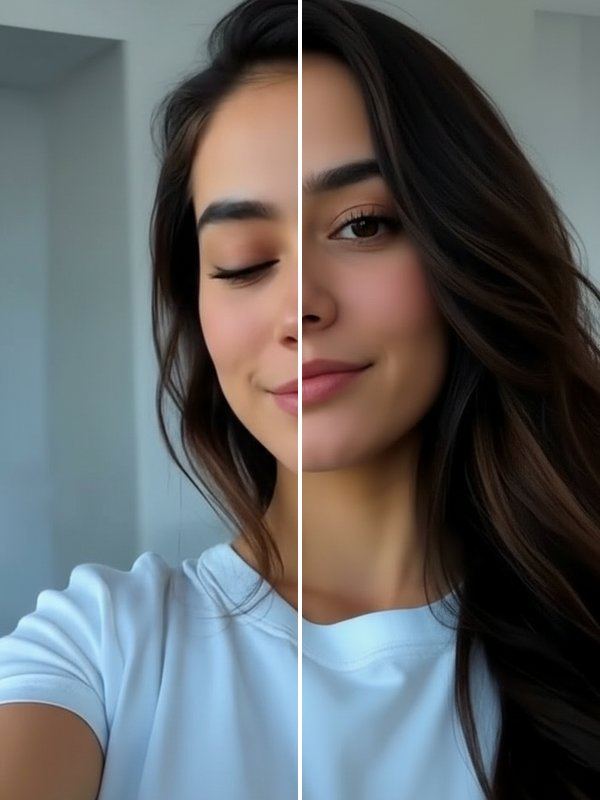
Because only the eyes change, the result still looks like the moment you remember rather than a new picture. Open Eyes sits in the Photogenic row, next to the tools for smiles and awkward expressions.
How to open closed eyes in a photo
- In Trendio, go to the Photogenic row on the Trends tab and choose Open Eyes.
- Add the photo where you blinked.
- Compare before and after with the slider and save the version you like.
Tips for natural-looking eyes
- The tool works best when your face is large enough in the frame; crop a wide shot first if you are small in it.
- A sharp, well-lit photo helps the AI match your eye colour and shape.
- If sunglasses, hair or a hand cover part of your face, the result is less predictable.
Related fixes
Natural Smile replaces a forced or missing smile, Fix My Face rescues an awkward candid expression, and Reshoot gives you four new takes of the whole photo when more than the eyes went wrong.
Questions and answers
Will my eyes still look like mine?
The tool aims to keep your eye colour and shape, but it has to recreate what was hidden, and results are made by AI. Check the before and after, and try again if it does not look right.
How much does it cost?
Trendio is free to download; fixing a photo uses 1 credit. You can buy a credit pack or subscribe weekly or monthly, with a discounted first week for new subscribers.
Can it fix eyes in a group photo?
It is designed for photos of one person where the face is clearly visible. For a group shot, crop the photo to that person first for the best chance.
Does it work on old photos?
It can, as long as the face is clear enough. Very small, blurry or damaged photos give weaker results.