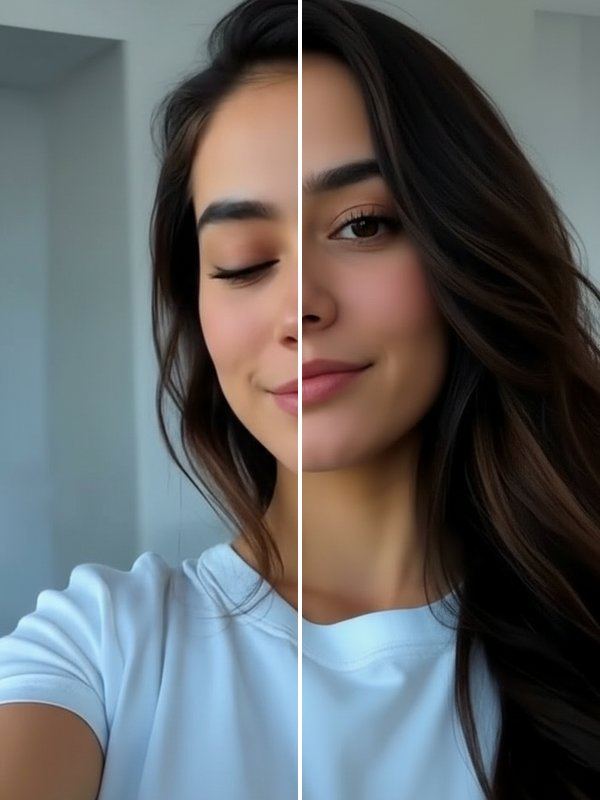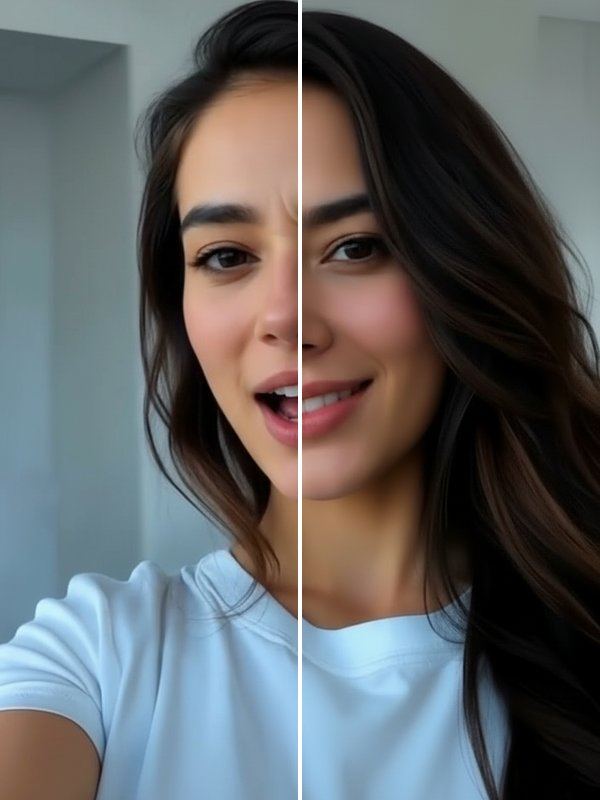
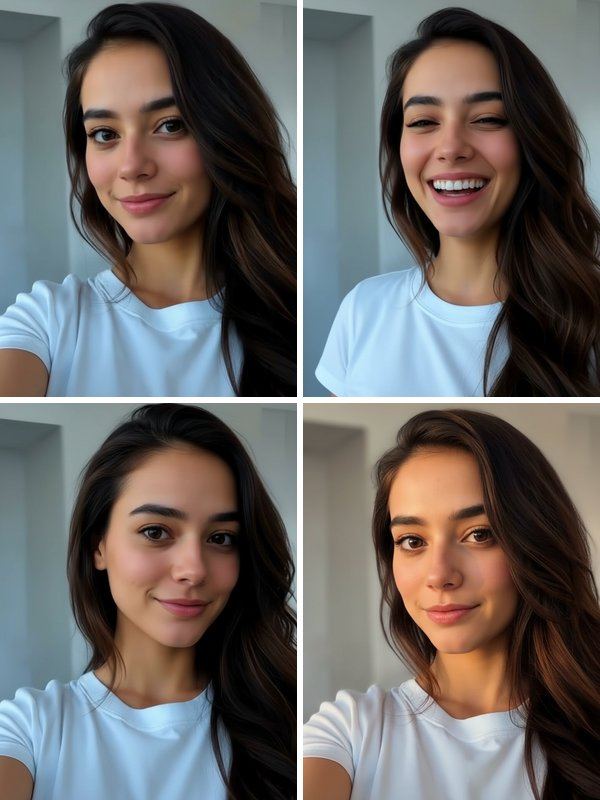
The four takes appear side by side with your original. Tap any of them to see it large, then save the one you like. It keeps you looking like yourself: it is a second chance at the shot, not a filter.
How Reshoot works
- On the Trends tab in Trendio, open the Photogenic row and tap Reshoot.
- Add the photo you want to redo; the button shows the credit cost before you start.
- Compare the four takes with the original and save your favourite.
Tips for better takes
- Use a photo where your face is visible and not too small in the frame.
- Photos with one main person work best; a busy group shot gives the AI less to go on.
- Start from the original file: a sharp photo gives sharper takes than a screenshot.
Fix one thing instead
If only one detail is wrong, a targeted tool may be enough: Open Eyes for a blink, Natural Smile for a forced smile, Fix My Face for an awkward candid, or HD Fix for a blurry shot.
Questions and answers
How many credits does Reshoot use?
More than a single photo, because you get four images in one go. The exact cost is shown on the button before you start. Credits come from one-time packs or a weekly or monthly subscription, and new subscribers get a discounted first week.
Will the takes still look like me?
Reshoot is designed to keep your identity and change only the pose and expression. Results are made by AI and vary, so some takes will be closer to you than others.
Does it change the background or my clothes?
The aim is the same moment, so the setting and outfit stay close to the original while the pose changes. Small differences between takes are normal.
Can I reshoot someone else’s photo?
Only photos you have the right to use, and only with that person’s permission. Every photo is processed by AI to create the takes.