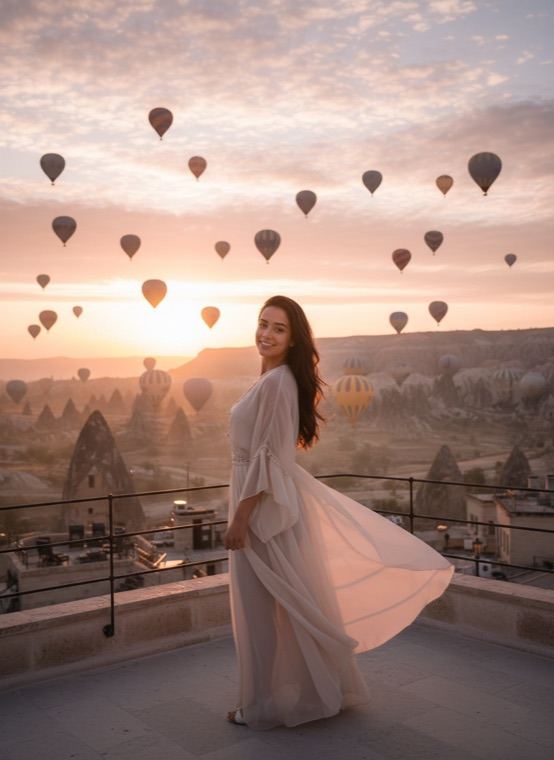
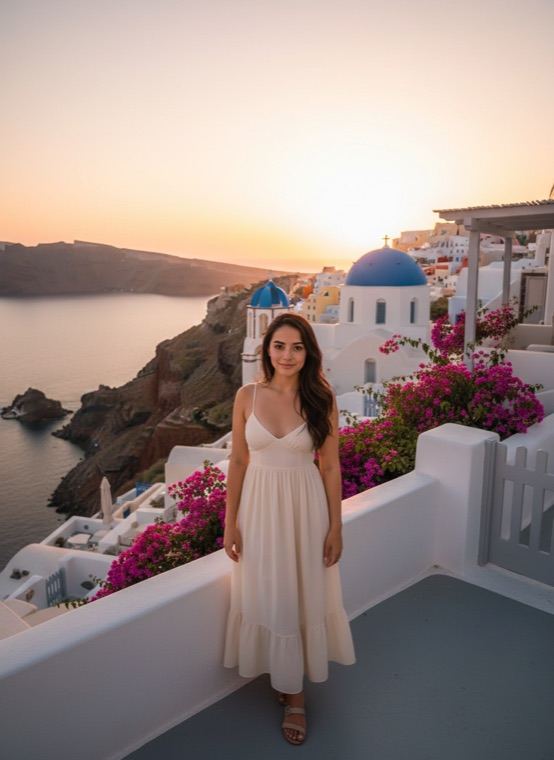
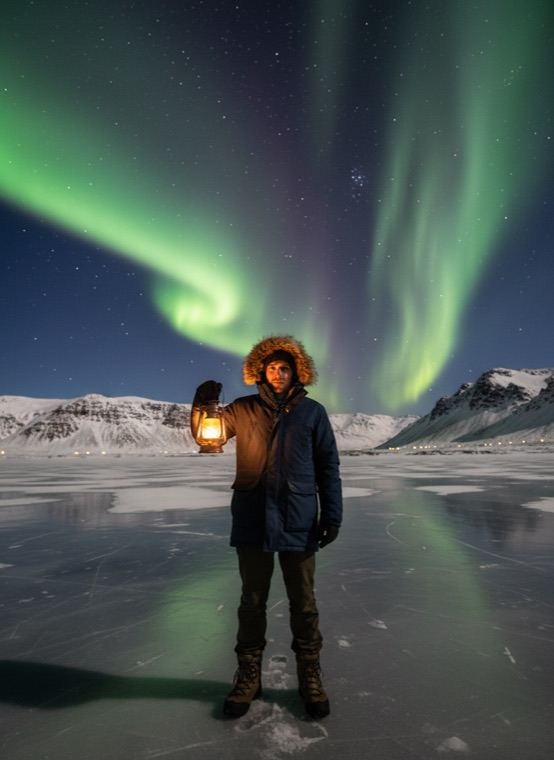
There is also Colossus, which turns you into a giant marble statue in an old city square. The AI keeps your face recognisable and builds the light of each scene around you, so the picture looks like a travel shot, not a cut-out pasted on a postcard.
How to make an AI travel photo
- Open the Trends tab in Trendio and find the Dream Places row.
- Choose a destination and add a photo of yourself.
- Save the photo or share it.
Tips for a natural travel shot
- Full-body or waist-up photos look most like real travel pictures.
- A relaxed pose works better than a stiff selfie at arm’s length.
- Daylight photos without heavy filters let the scene’s light blend in naturally.
Other scenes to try
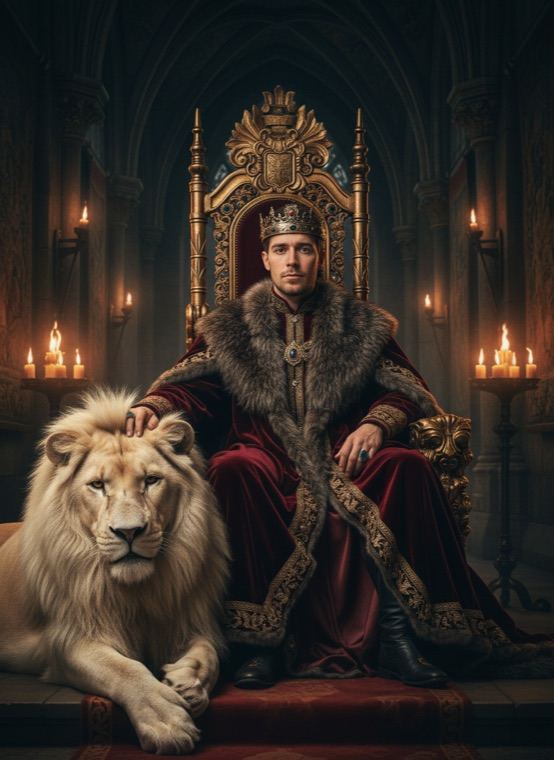
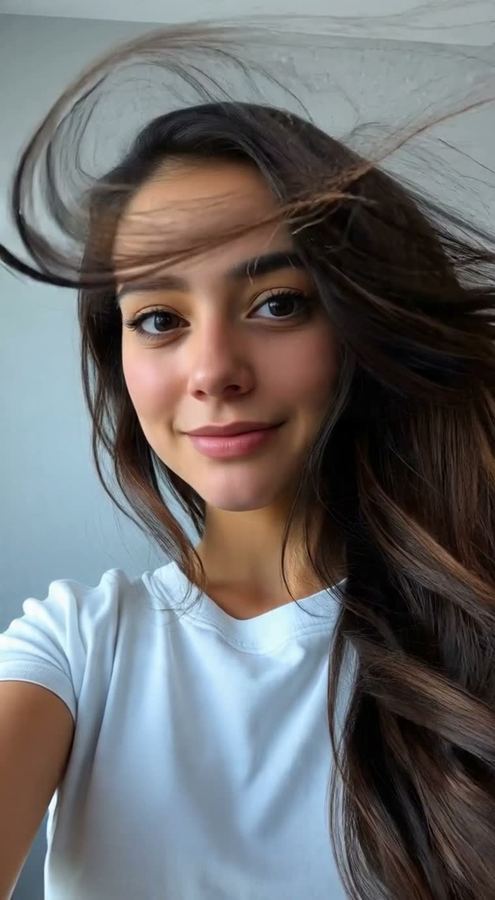
Prefer company? The With Animals row lets you pose with a lion, a tiger, a panda, a snow wolf or a whale shark. For a short clip of the moment, Photo to Video adds movement such as a slow-motion walk or wind in your hair.
Questions and answers
How much does an AI travel photo cost?
Trendio is free to download; each destination uses 1 credit. Buy credits in packs or with a weekly or monthly subscription; the first week is discounted for new subscribers.
Which places are available?
Cappadocia, Tokyo Nights, Santorini, Northern Lights, Paris and Colossus. New looks are added to the app over time.
Can I upload a photo of the place myself?
No. Each destination is generated by the AI; you only add a photo of yourself.
Can I post these photos?
You can save and share your results. Because the scene is made by AI, it is best not to present it as a real trip.