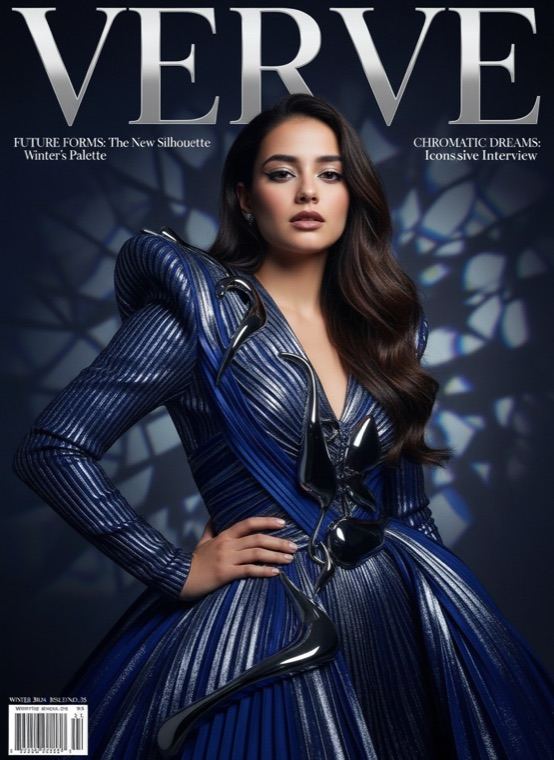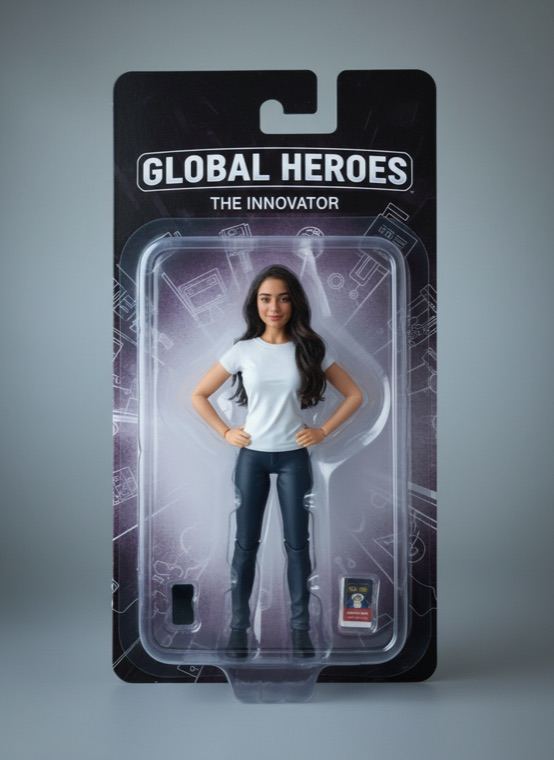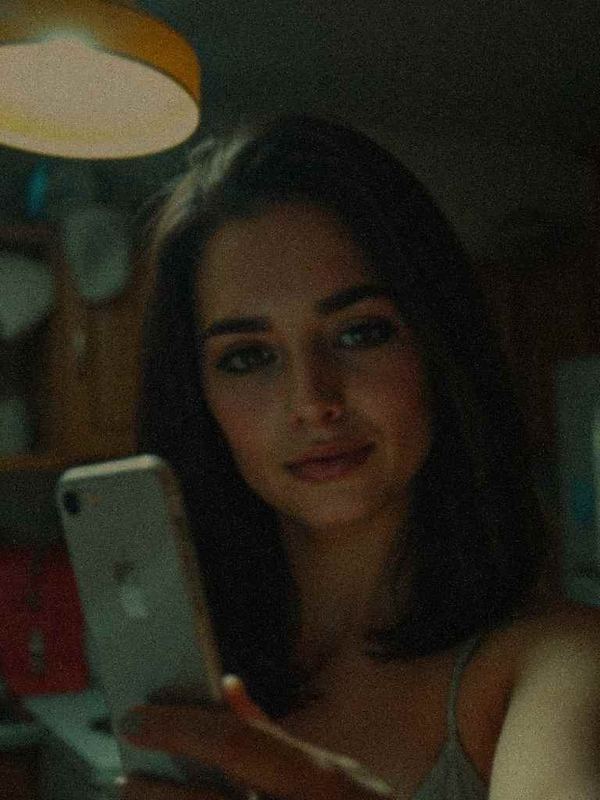
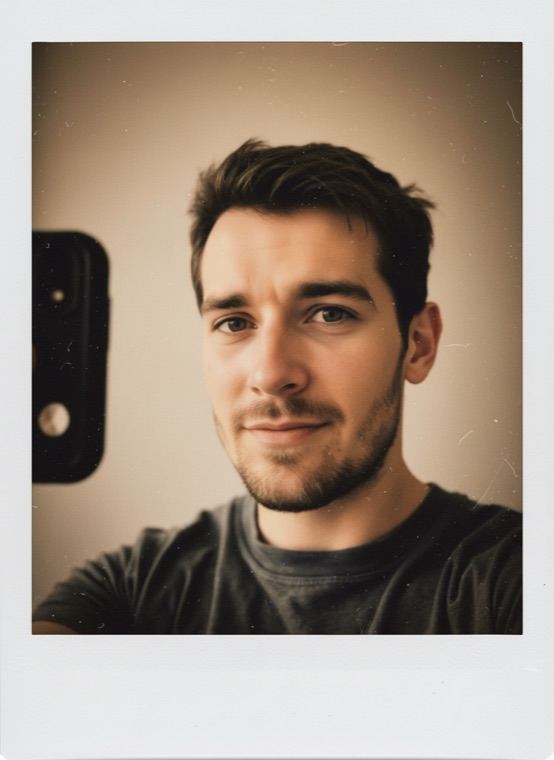
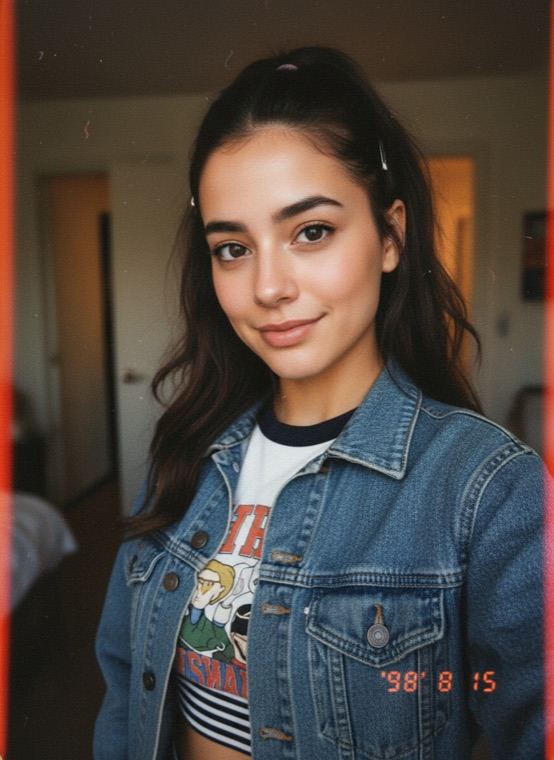
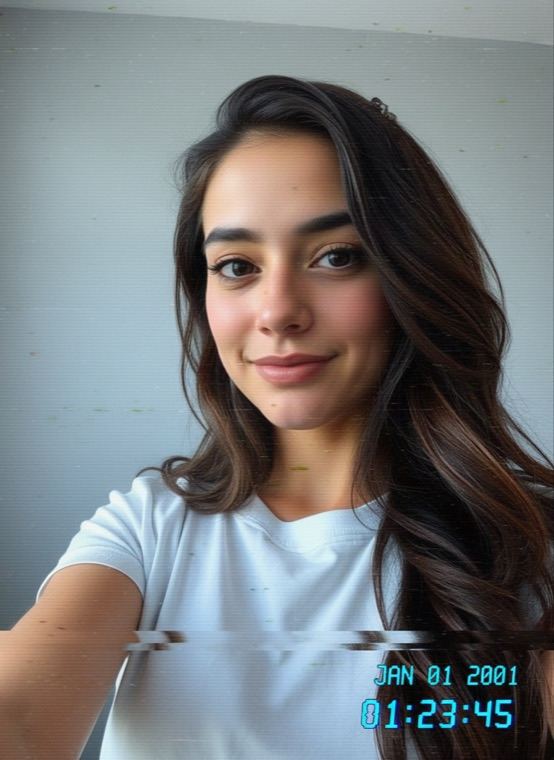
Polaroid gives you a faded instant-film print with a white border. 90s Disposable has the harsh on-camera flash and warm colour of a party snapshot. Y2K Camcorder looks like a frame from a home video recorded on tape in 2001, date stamp included.
How to make a retro photo with AI
- On the Trends tab in Trendio, choose Polaroid, 90s Disposable or Y2K Camcorder.
- Add a photo of yourself; a normal phone picture is perfect.
- Save the retro version or share it alongside the original.
Tips for an authentic film look
- Casual photos work better than posed ones: these cameras captured everyday moments.
- Indoor and night photos suit 90s Disposable, where the flash is part of the charm.
- Skip existing filters on your photo; the look adds its own colour and grain.
More decades to visit
80s Yearbook recreates a school portrait from 1985, 1920s Gatsby takes you to an art-deco ballroom, and Old Money gives you a timeless quiet-luxury portrait. For pets, try 90s Yearbook or 80s Neon in the Pets tab.
Questions and answers
Is this just a filter?
No. The AI recreates the whole photo in the style of the camera, including its light and colour, while keeping your face recognisable. Results vary from one run to the next.
How much does a retro photo cost?
Trendio is free to download; each retro photo uses 1 credit. Credits are available as one-time packs or through a weekly or monthly subscription, and new subscribers get a discounted first week.
Can I change the date on the Y2K frame?
No. The date stamp is generated along with the image.
Does it work with any photo?
Any clear photo of one person works. A well-lit face gives the most faithful likeness.