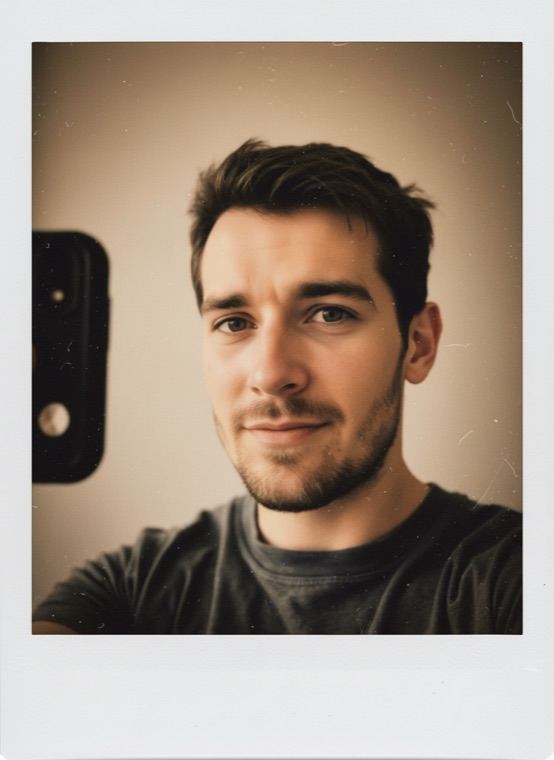

Warm, faded colour and a little film grain finish the effect, so the picture looks scanned from an old book rather than filtered on a phone.
How to make your AI yearbook photo
- In Trendio, open the Trends tab and pick 80s Yearbook.
- Add a recent photo of yourself from the gallery or the camera.
- Save the portrait, or share it next to a photo of you today.
Tips for a convincing yearbook photo
- Choose a head-and-shoulders photo where you look straight at the camera, like a real school portrait.
- Even light on your face matters more than the background, which is replaced anyway.
- Keep your glasses on if you always wear them, and skip beauty filters so your natural skin texture carries over.
More throwback looks
For other decades, try 90s Disposable for a flash-lit party snapshot, Polaroid for faded instant film, Y2K Camcorder for a 2001 home-video frame or 1920s Gatsby for an art-deco ballroom. Pet owners can give a cat or dog a 90s Yearbook photo in the Pets tab, too.
Questions and answers
How much does an AI yearbook photo cost?
Downloading Trendio costs nothing; each yearbook photo uses 1 credit. Credits come in one-time packs or with a weekly or monthly subscription, and the first week is discounted for new subscribers.
Can I pick a different decade?
The yearbook look is set in the 1980s. For other eras, use the throwback looks above, each of which has its own period styling.
Does it work with old photos?
Yes, as long as your face is clear and in focus. A sharp recent photo usually gives the most faithful likeness, and results can vary.
Can I make one of a friend?
Only with their permission. Use photos you have the right to use, and keep in mind that every photo is processed by AI to make the result.