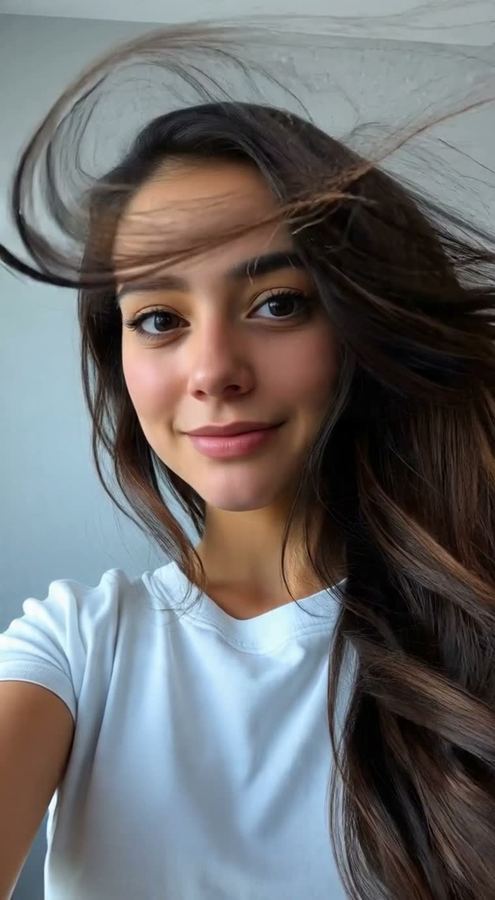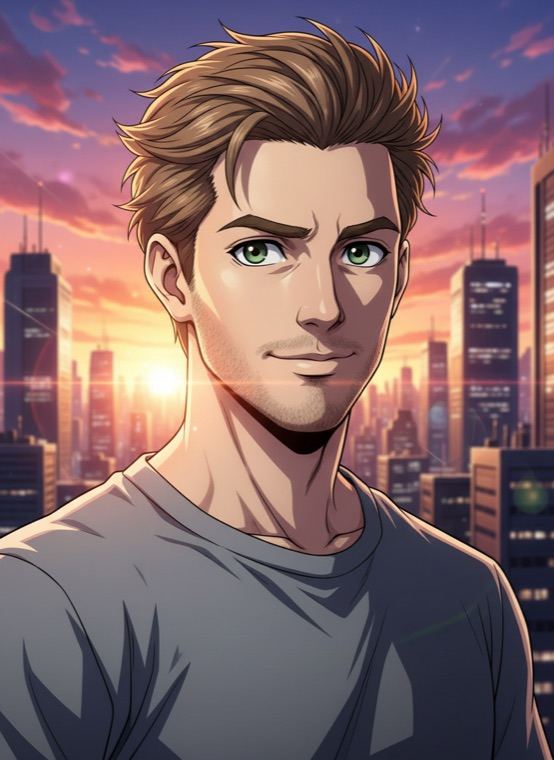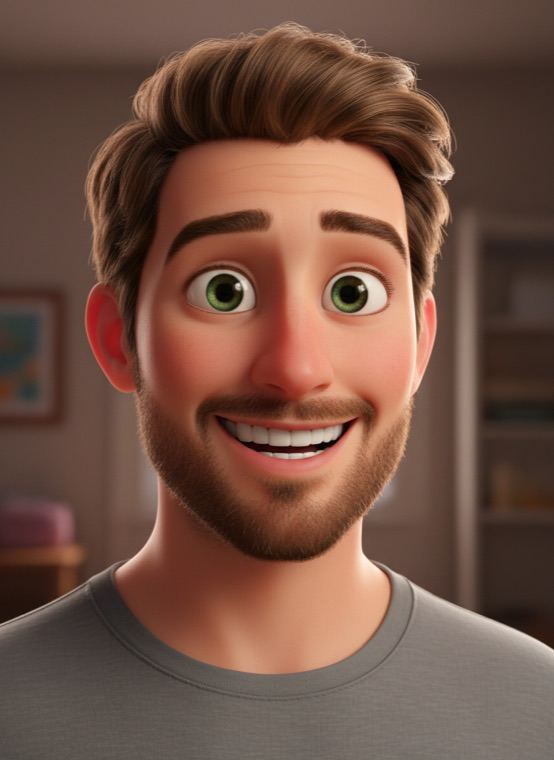
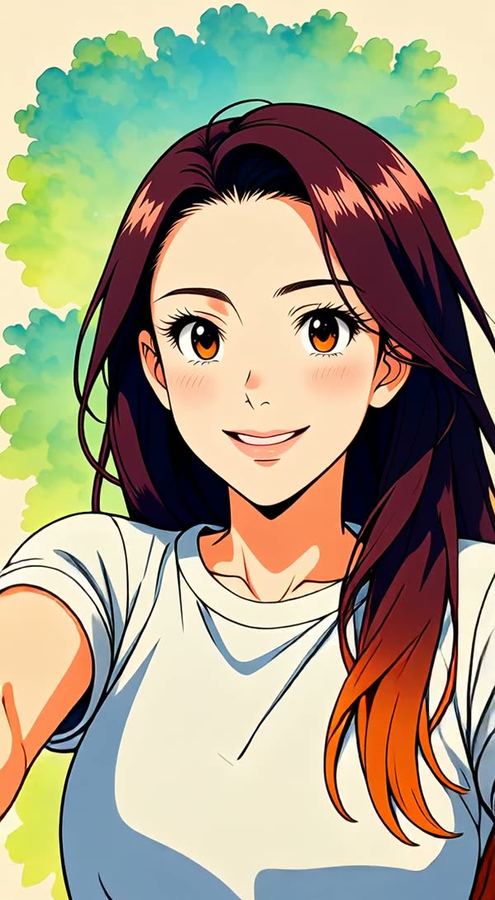
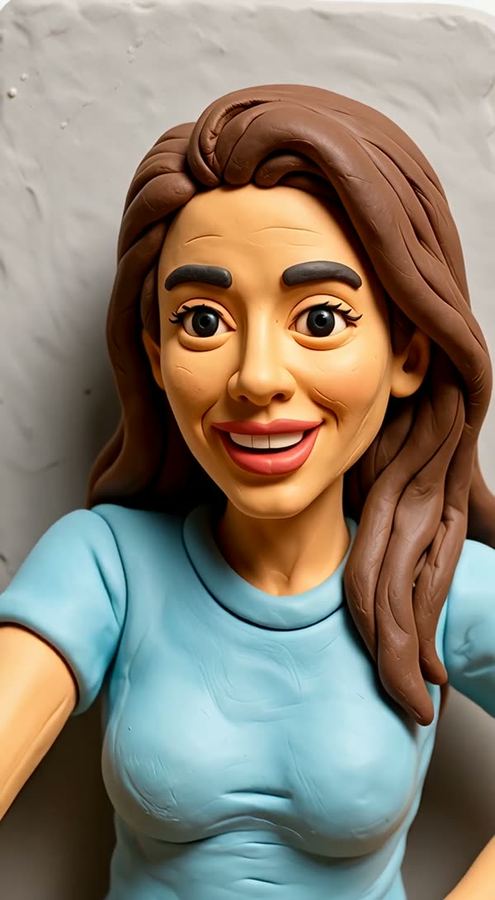
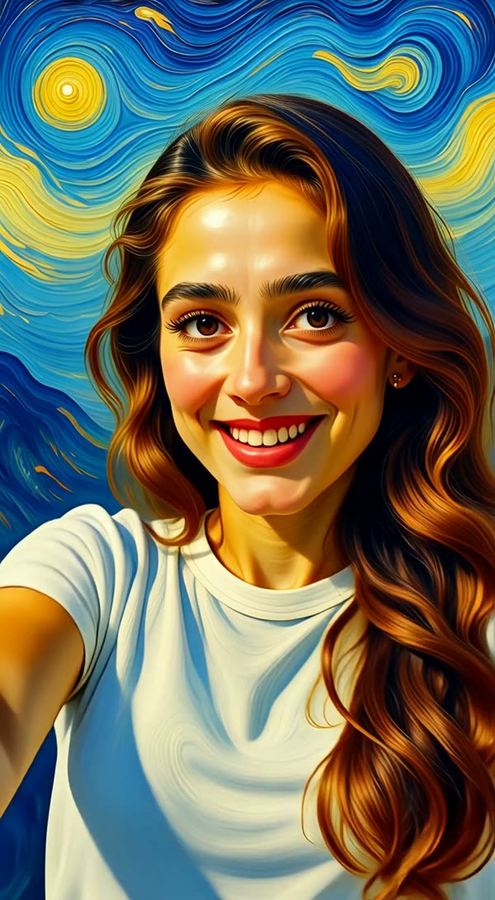
There are eight effects in total. Five change the art style: Anime, 3D Movie, Claymation, Comic Book and Oil Painting. Three keep the real look and change the atmosphere: Let It Snow, Golden Hour and Cherry Blossom.
How to turn a video into anime
- Open the Video tab in Trendio and switch to Edit your video.
- Choose a style, then pick a clip from your gallery; the app shows the price for its length.
- Confirm, and keep the app open for a few minutes while the clip is redrawn.
Tips for a good clip
- Short, steady clips work best; the app tells you the shortest and longest length it accepts.
- Good light and one clear subject help every frame come out consistent.
- Simple movement, like talking, turning or walking, restyles more cleanly than fast action with lots of motion blur.
Prefer to start from a photo?
If you only have a photo, Photo to Video makes it move, and the Anime Hero trend turns a single selfie into an anime key visual. For a still 3D version of yourself, try the 3D animated character look.
Questions and answers
How much does a video edit cost?
Video edits are priced by the length of the clip, and the exact credit cost is shown before you confirm. Trendio is free to download; credits come from packs or a weekly or monthly subscription, and new subscribers get a discounted first week.
What happens if the edit fails?
If a clip cannot be edited, the credits you spent on it are refunded.
How long can my video be?
The app accepts clips between a minimum and a maximum length and tells you if yours is too short or too long, so you can trim it first.
Is my video private?
Your clip is uploaded and processed by AI to create the edit. The privacy policy explains how uploads are handled.