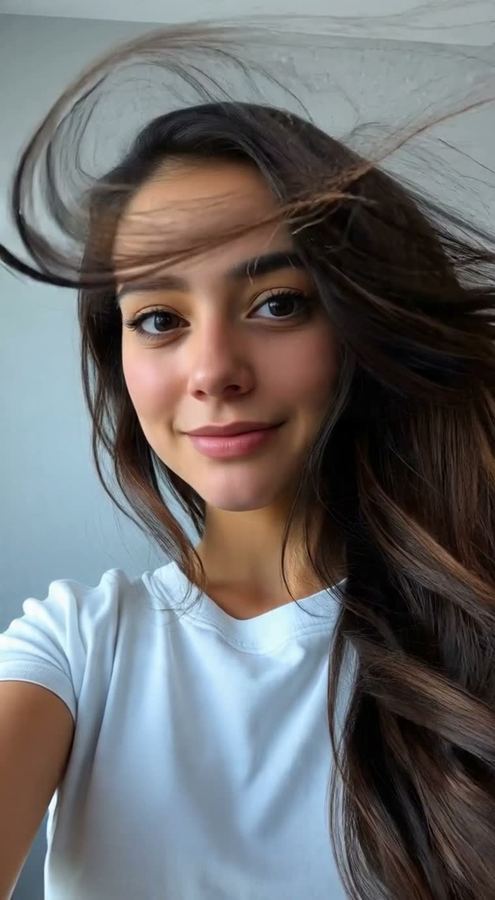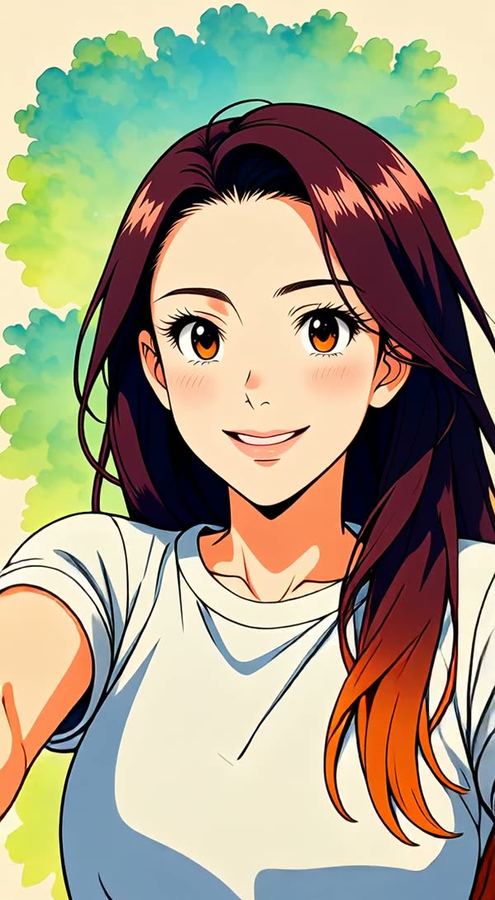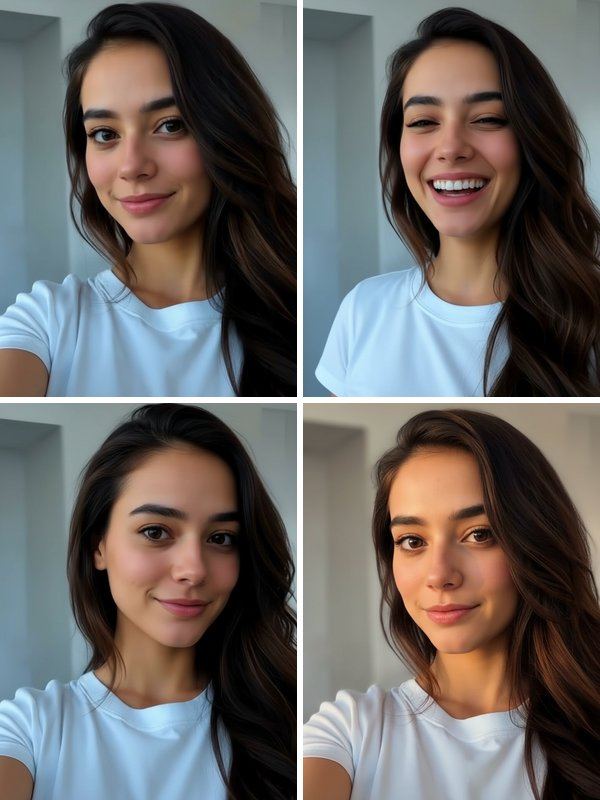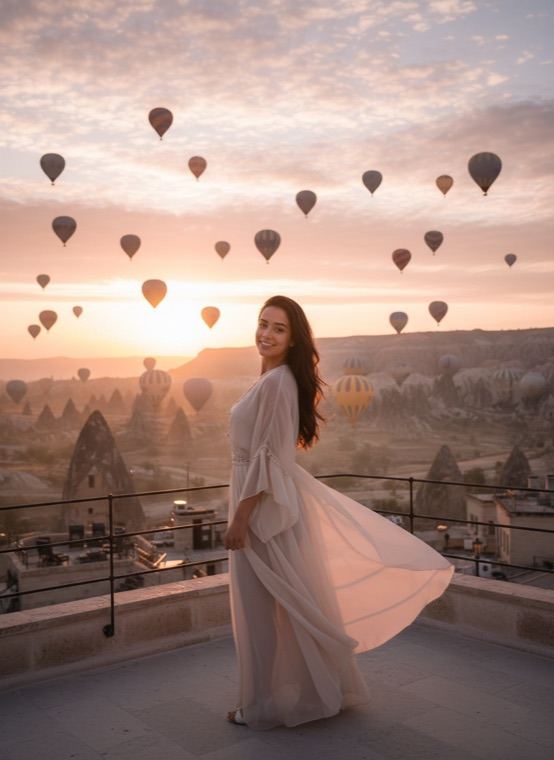
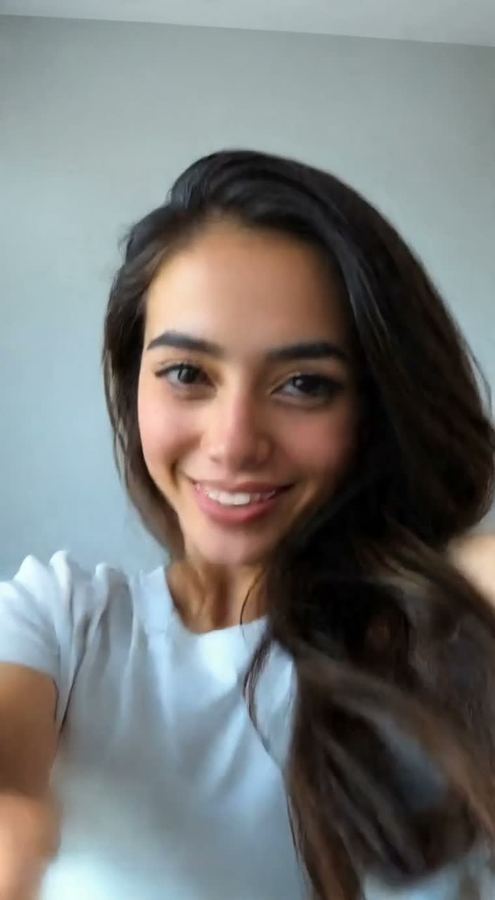
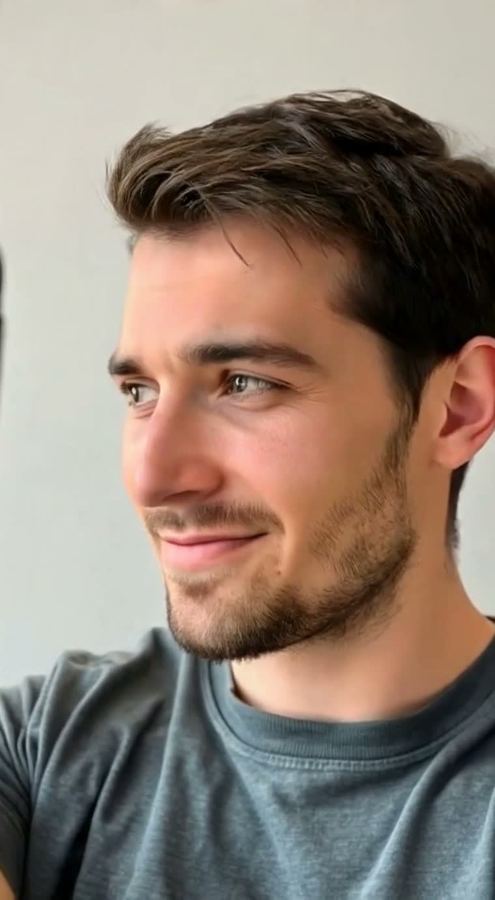
If you want something calmer, Glow Up is the other favourite: you look away, turn back to the camera, flip your hair and finish with a slow, confident smile.
How to make an AI dance video
- Open the Video tab in Trendio and choose Dance (or Glow Up).
- Add a photo of yourself with your upper body in the frame.
- Wait about a minute, then save the clip or share it straight to your stories.
Tips for a better dance
- Waist-up or full-body photos dance better than tight face close-ups, because your arms and shoulders need to be visible.
- Choose a photo with a simple background and one person in it.
- Loose hair and clothes add movement, and a sharp, bright photo keeps your face clear while you move.
Other moves to try
Hero Walk gives you a slow-motion walk towards the camera, Celebration drops golden confetti around you, Wind & Slow-Mo blows through your hair, and Living Photo adds a gentle breath and blink.
Questions and answers
Is the dance video free?
Trendio is free to download, but making a video uses credits, more than a photo does. The exact cost appears before you start. Buy a credit pack or subscribe weekly or monthly; new subscribers get a discounted first week.
Can I choose the dance moves?
Not at the moment. The Dance move creates its own routine each time, so every clip is a little different.
Can I make my pet dance?
The video moves are made for photos of people. For pets, the Pets tab turns your cat or dog into a person or a portrait instead.
Will it look realistic?
The move aims for realistic human motion, but videos are made by AI and results vary. Clear, well-lit photos with your arms visible tend to work best.